Jump to content
View in the app

A better way to browse. Learn more.

KH13 · for Kingdom Hearts

A full-screen app on your home screen with push notifications, badges and more.

To install this app on iOS and iPadOS
  1. Tap the Share icon in Safari
  2. Scroll the menu and tap Add to Home Screen.
  3. Tap Add in the top-right corner.
To install this app on Android
  1. Tap the 3-dot menu (⋮) in the top-right corner of the browser.
  2. Tap Add to Home screen or Install app.
  3. Confirm by tapping Install.

creepykittyXD

Member
  • Joined

  • Last visited

About Me

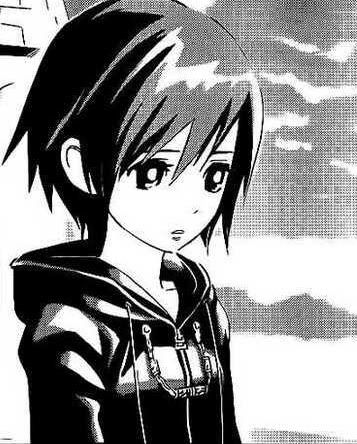
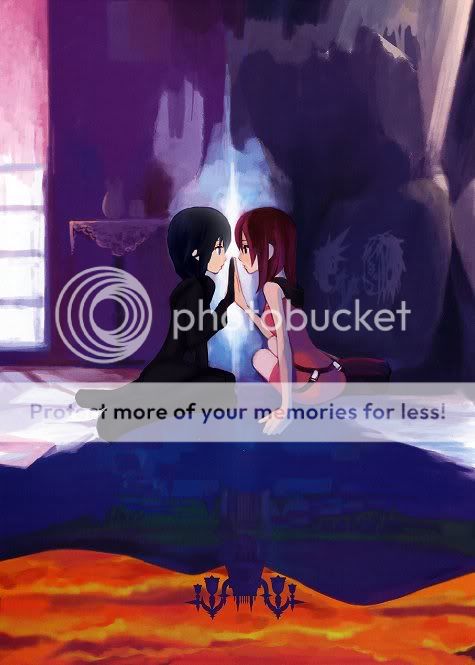
i'm Xion (well thats not really my real name but its a nickname) i am a HUGE Kingdom Hearts fan i love it so much i have no idea what to say sooo im just gonna post some random pictures here heh heh...
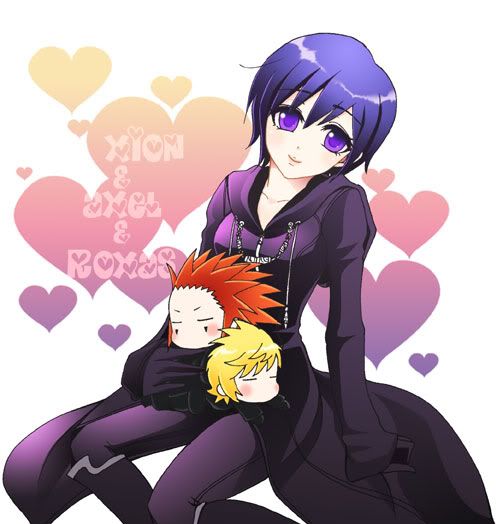


RoxasAxelXion2.jpg

xionagain.jpg

Xion-1.jpg

xionorkairi.jpg

roxasandxion1.png

bxion.jpg

59c07fe1.jpg

21a7ac612970675f0d33fa21.jpg

262252.jpg

13cdc63d4517e5fc7c1e716d.jpg

images seen here are not made by me all rights go to original owners

Configure browser push notifications

Chrome (Android)
  1. Tap the lock icon next to the address bar.
  2. Tap Permissions → Notifications.
  3. Adjust your preference.
Chrome (Desktop)
  1. Click the padlock icon in the address bar.
  2. Select Site settings.
  3. Find Notifications and adjust your preference.
Scroll to the top