




Jump to content
View in the app

A better way to browse. Learn more.

KH13 · for Kingdom Hearts

A full-screen app on your home screen with push notifications, badges and more.

To install this app on iOS and iPadOS
  1. Tap the Share icon in Safari
  2. Scroll the menu and tap Add to Home Screen.
  3. Tap Add in the top-right corner.
To install this app on Android
  1. Tap the 3-dot menu (⋮) in the top-right corner of the browser.
  2. Tap Add to Home screen or Install app.
  3. Confirm by tapping Install.

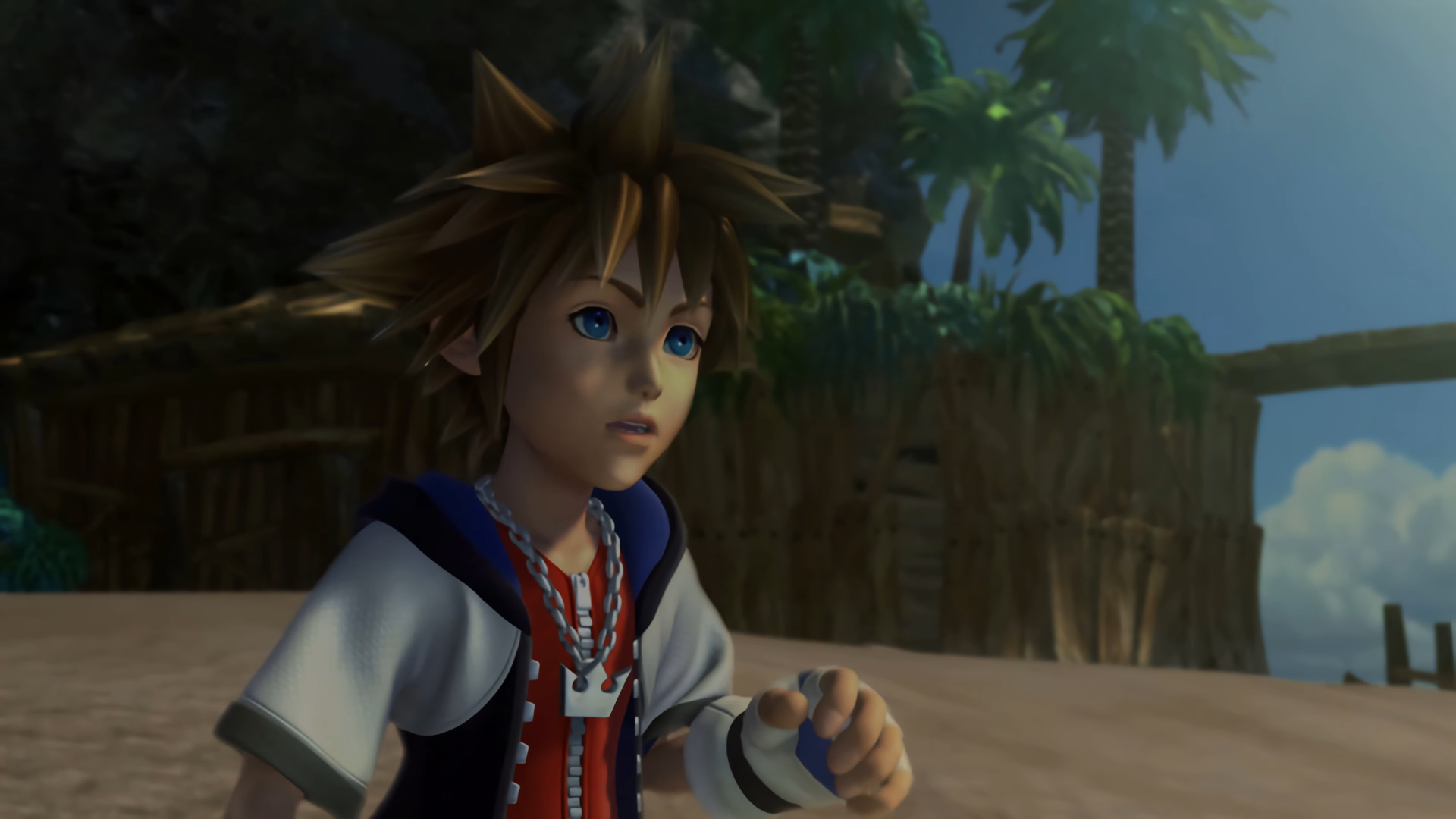
Disney Japan now selling Kingdom Hearts merchandise

Disney Japan has now officially begun selling Kingdom Hearts merchandise on its online store. A vast quantity of familiar items is available here, ranging from sticker sets and keychains to music boxes and plushes. Interestingly, this lineup features a selection previously available on Square Enix Japan's online store.

However, it's worth noting that, despite opening just a few days ago, several of these items are already sold out. It remains to be seen if the stock was simply low and whether restocks are in question.

For those unaware, Kingdom Hearts merchandise has been disappearing from Square Enix's online catalog, at least in the West. This is not yet the case for Square Enix Japan's online store, though.

User Feedback

Recommended Comments

There are no comments to display.

Join the conversation

You can post now and register later. If you have an account, sign in now to post with your account.

Guest
Add a comment...

Configure browser push notifications

Chrome (Android)
  1. Tap the lock icon next to the address bar.
  2. Tap Permissions → Notifications.
  3. Adjust your preference.
Chrome (Desktop)
  1. Click the padlock icon in the address bar.
  2. Select Site settings.
  3. Find Notifications and adjust your preference.
Scroll to the top