




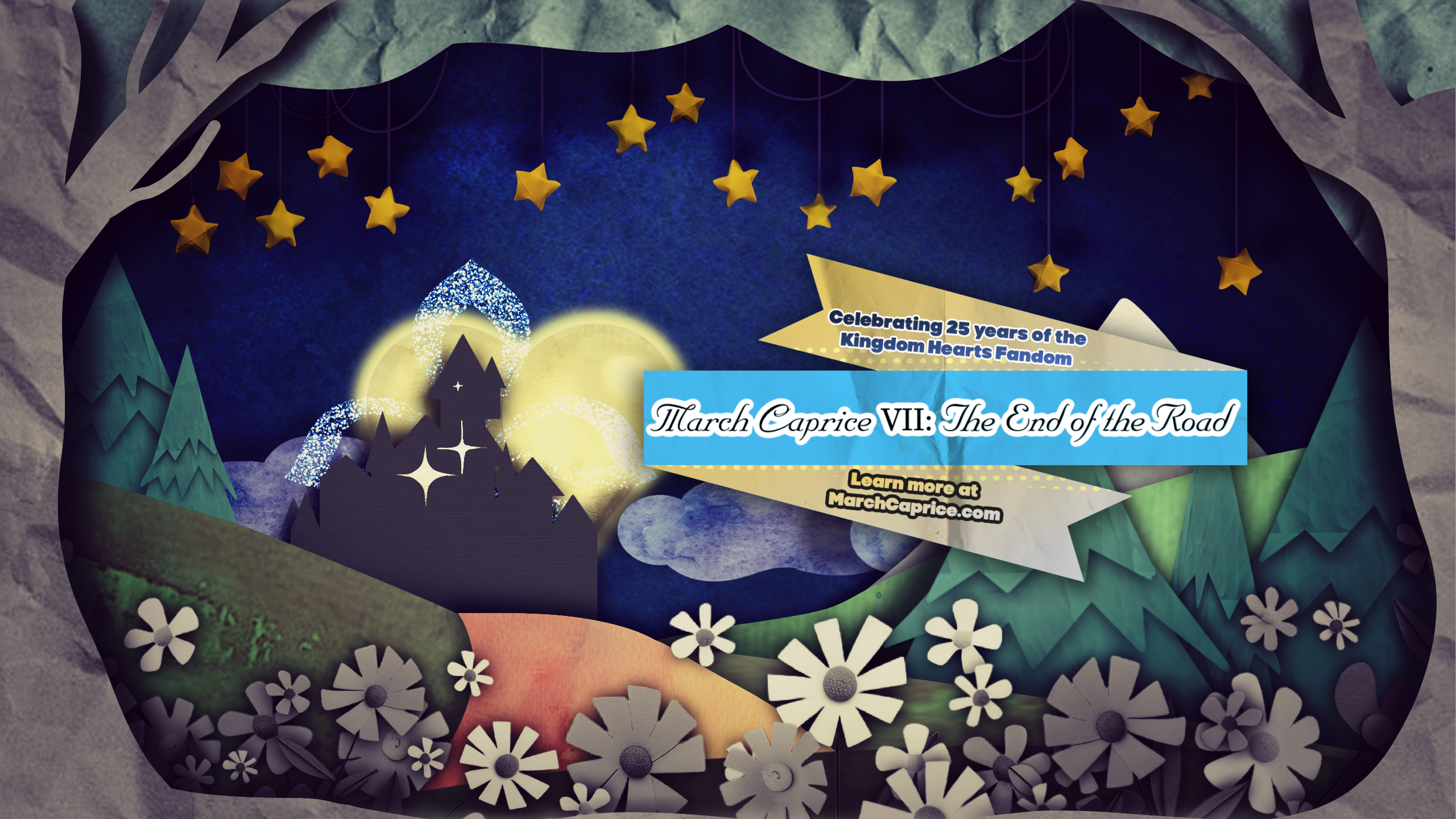

The annual online Kingdom Hearts fan event, March Caprice, has announced its seventh and final celebration, titled March Caprice VII: The End of The Road. It will take place from March 20 through March 27, 2027, featuring community artwork, music, cosplay, games, and other fan-created projects.
The final March Caprice event will be part of KH25, a larger fan celebration tied to Kingdom Hearts' 25th anniversary. More specifically, it will coincide with Reconnect's finale, another fan-driven event.
March Caprice VII will feature a flowers-and-papercraft theme, with activities hosted across the March Caprice website, Twitch, and participating creators' channels.
The event will stream the Concert Soirée and community showcases on its official Twitch channel. Meanwhile, an online gallery will feature fan illustrations, cosplay, merchandise, writing, and games. Additional livestreams and video presentations will run throughout the week on individual creators' platforms, following a schedule.
Organizers are currently accepting submissions across several categories, including art, cosplay, games, merchandise, music, streaming, videos, writing, and community partnerships.
Applications remain open until January 9, 2027.

Recommended Comments
Join the conversation
You can post now and register later. If you have an account, sign in now to post with your account.