Jump to content
View in the app

A better way to browse. Learn more.

KH13 · for Kingdom Hearts

A full-screen app on your home screen with push notifications, badges and more.

To install this app on iOS and iPadOS
  1. Tap the Share icon in Safari
  2. Scroll the menu and tap Add to Home Screen.
  3. Tap Add in the top-right corner.
To install this app on Android
  1. Tap the 3-dot menu (⋮) in the top-right corner of the browser.
  2. Tap Add to Home screen or Install app.
  3. Confirm by tapping Install.

masterchilidog

Verified Member
  • Joined

  • Last visited

  1. masterchilidog posted a status update

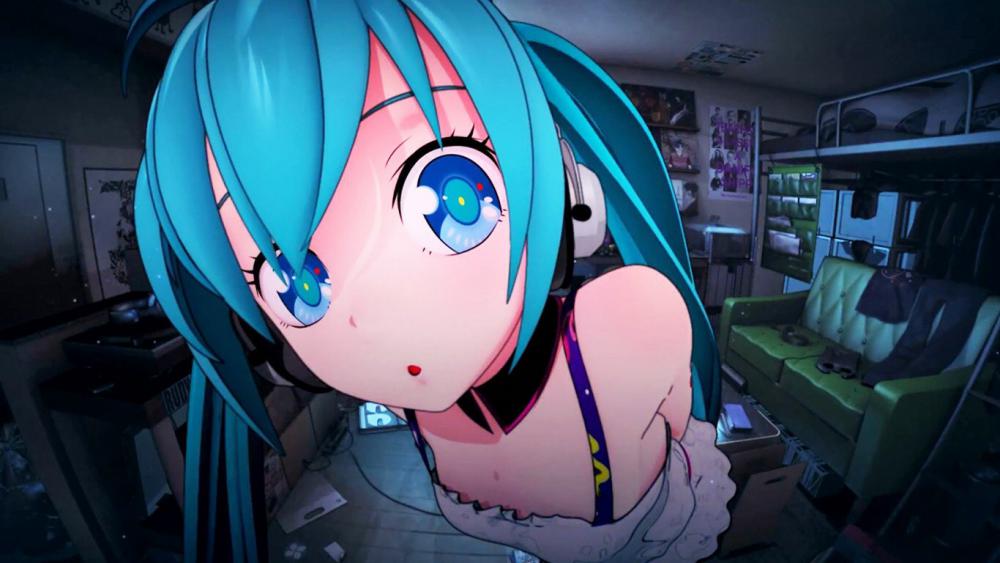
    am i kawaii enough for you sempai?

    Ruby Rose replied

    You fiendish fellow

    masterchilidog replied

    Wow. Look what I gone an missed

    stay night forever


    ilyas best girl

  2. masterchilidog posted a status update

    ME!ME!ME! Is like the theme song to my life

    masterchilidog replied

    Hahah that's hilarious. Gunna have to use that as a reaction gif

    masterchilidog replied

    I love Teddyloid though. Ever since I got into PSG a few years ago, but I think mememe was his best song yet

  3. Soul Eater Evans left a comment on masterchilidog's profile

    Heeey, welcome to KH13!

  4. masterchilidog posted a status update

    Joined today. Site seems cool. Everyone is nice. *fluttershy voice* yay!

    Gamerazor247 replied

    Skullgirls, aw yea

    @wakingdawn That's MY thing fool.

    Welcome... Welcome to KH13! Where all your dreams and nightmares come true!


    But worry not, for I shall be your guide! Just sign this paper, and we'll be fine! *Holds out contract* I suggest ignoring the whole 'Owning your eternal soul should you accidentally die' thing. It's just lawyer talk. Oh, and here's my lawyer: Mephistopheles.


    (P. S. Welcome to KH13. Have a welcome muffin *Gives muffin.* If something happens to said muffin... We...

    masterchilidog replied

    @walkingdawn Thanks lol

    @Gamerazor aw yea

    @Lelouchanort *happily noms muffin*

    @everyone else Thank You :3

Configure browser push notifications

Chrome (Android)
  1. Tap the lock icon next to the address bar.
  2. Tap Permissions → Notifications.
  3. Adjust your preference.
Chrome (Desktop)
  1. Click the padlock icon in the address bar.
  2. Select Site settings.
  3. Find Notifications and adjust your preference.
Scroll to the top