Jump to content
View in the app

A better way to browse. Learn more.

KH13 · for Kingdom Hearts

A full-screen app on your home screen with push notifications, badges and more.

To install this app on iOS and iPadOS
  1. Tap the Share icon in Safari
  2. Scroll the menu and tap Add to Home Screen.
  3. Tap Add in the top-right corner.
To install this app on Android
  1. Tap the 3-dot menu (⋮) in the top-right corner of the browser.
  2. Tap Add to Home screen or Install app.
  3. Confirm by tapping Install.

Berat Sayan

Member
  • Joined

  • Last visited

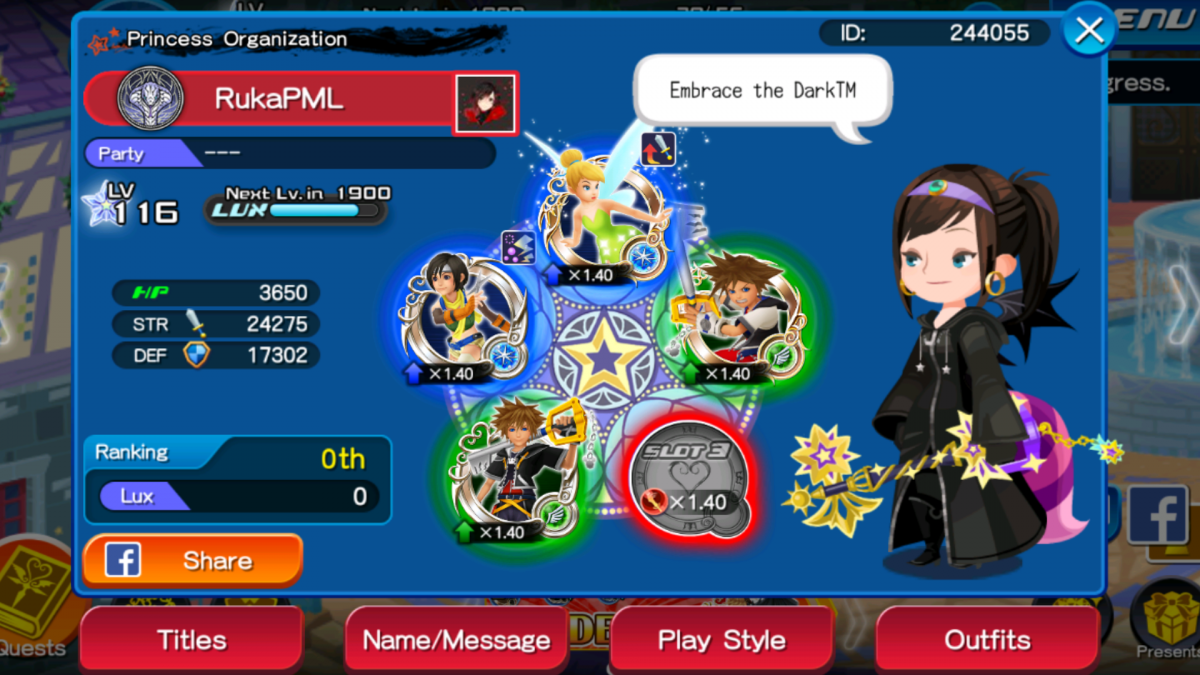
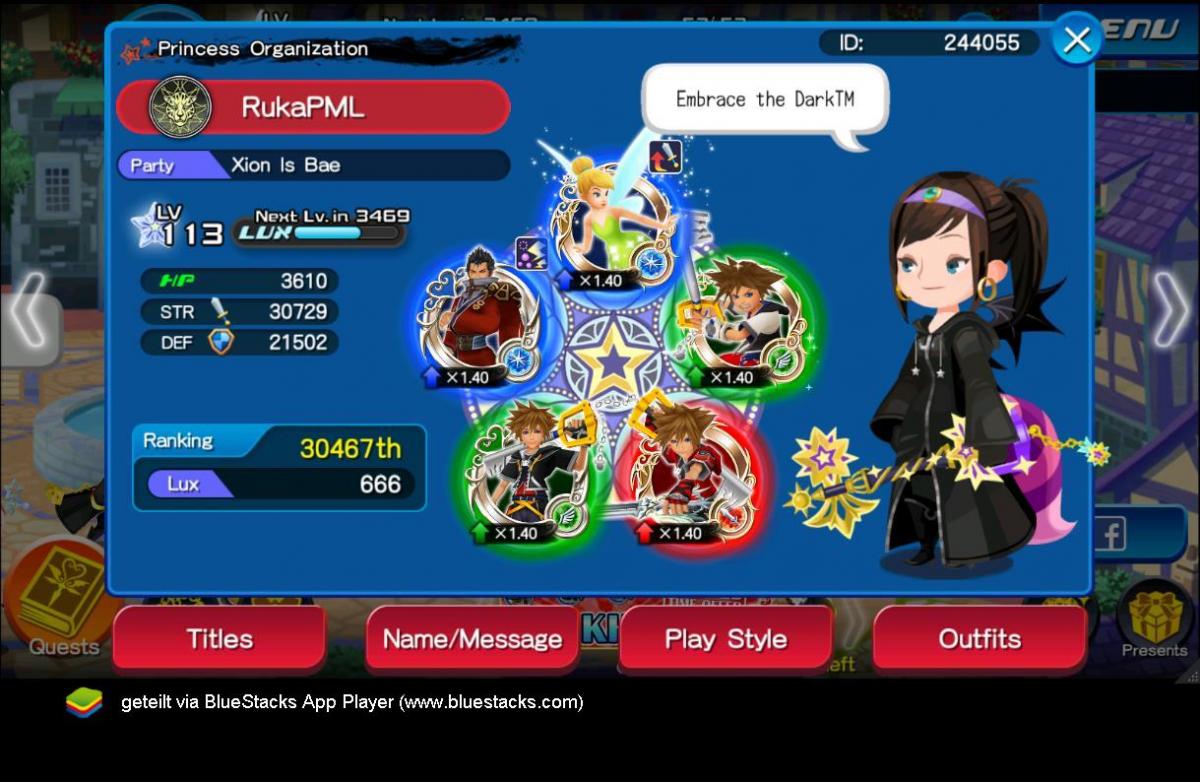
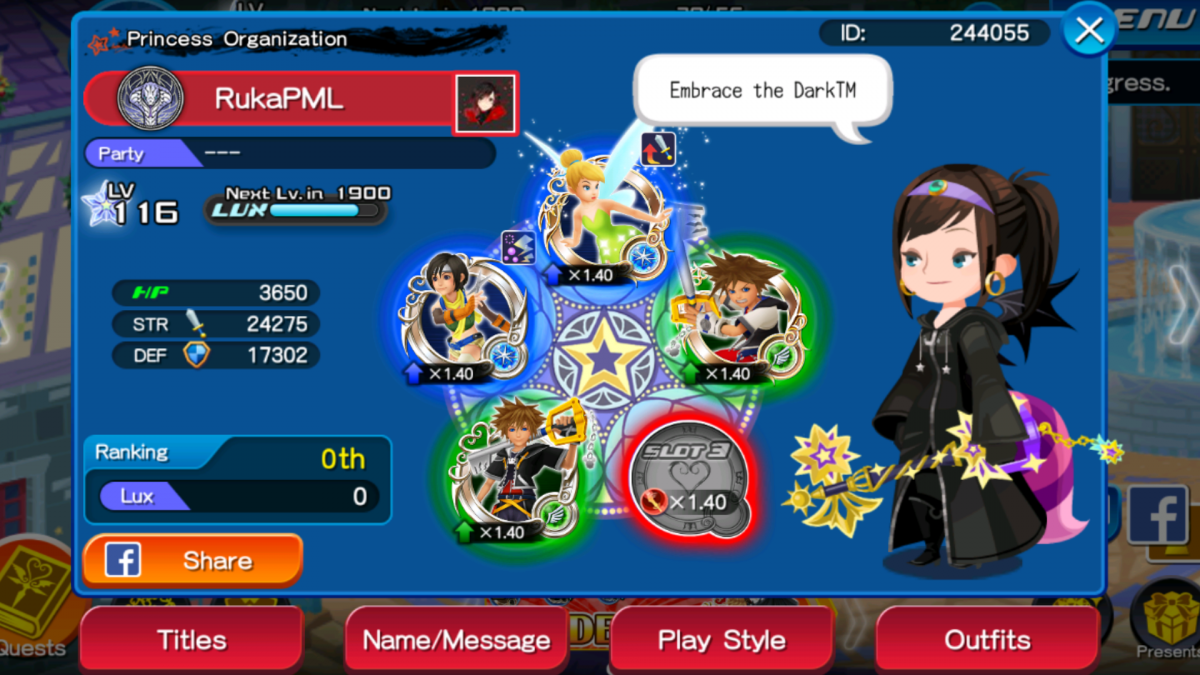
  1. What is your game ID Number/Nickname? The ID is 244055. My name is RukaPML What level are you? I am currently 116 Why did you join the Anguis union? I like snakes more over the other ones in KHUX Are you a member of a party? I have been in Xion is Bae in Leopardos, but I don't like Leopardos.Currently partyless If not, would you like to join one? Of course! I feel too lonely right now What is your favorite medal? KH1 Cloud because Ars Arcanum!
  2. I would Like to join Player name: RukaPML Player ID: 244055 Desired Union:Anguis of course Activity Level:Every weekend Comments: I love the darkness!
  3. Hey there! I would love to join! My ID is 244055
Configure browser push notifications

Chrome (Android)
  1. Tap the lock icon next to the address bar.
  2. Tap Permissions → Notifications.
  3. Adjust your preference.
Chrome (Desktop)
  1. Click the padlock icon in the address bar.
  2. Select Site settings.
  3. Find Notifications and adjust your preference.
Scroll to the top