Jump to content
View in the app

A better way to browse. Learn more.

KH13 · for Kingdom Hearts

A full-screen app on your home screen with push notifications, badges and more.

To install this app on iOS and iPadOS
  1. Tap the Share icon in Safari
  2. Scroll the menu and tap Add to Home Screen.
  3. Tap Add in the top-right corner.
To install this app on Android
  1. Tap the 3-dot menu (⋮) in the top-right corner of the browser.
  2. Tap Add to Home screen or Install app.
  3. Confirm by tapping Install.

BigB

Member
  • Joined

  • Last visited

Everything posted by BigB

  1. BigB replied to KH13's topic Live Chats
    The music is lovely Plus the dress from KHUX reminds me of that one dress that Anastasia wore too It kinda looks like it
  2. BigB replied to KH13's topic Live Chats
    So I watched Anastasia on Disney+ and my goodness it’s a beautiful gem of a movie
  3. BigB replied to KH13's topic Live Chats
    Yes
  4. BigB replied to KH13's topic Live Chats
    Nice
  5. BigB replied to KH13's topic Live Chats
    Here is my favorite looks for Christmas Season in KHUX I love being creative
  6. BigB replied to KH13's topic Live Chats
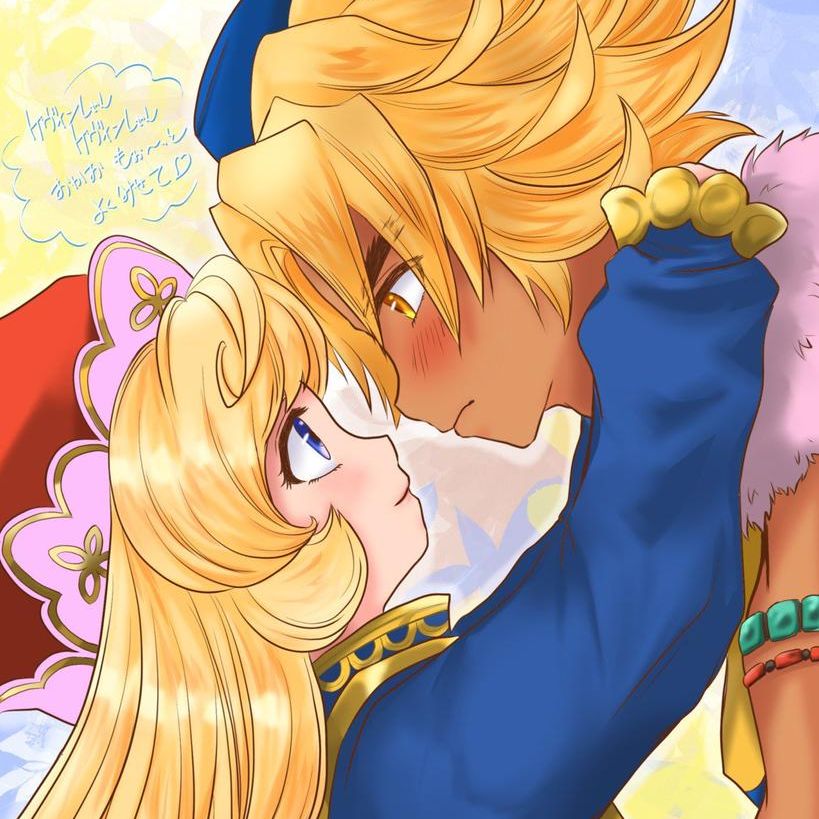
    Farart made by Moss based on my character I made in KHUX Me with my favorite characters from Trials of Mana in their Halloween costumes
  7. BigB replied to KH13's topic Live Chats
    OMG you’re right! It does look like that! I got that too but I changed the necklace Love this look so much, it’s perfect for a Christmas party
  8. BigB replied to KH13's topic Live Chats
    Got these two I’m very happy
  9. BigB replied to KH13's topic Live Chats
  10. BigB replied to KH13's topic Live Chats
    Okay
  11. BigB replied to KH13's topic Live Chats
    How are you doing everyone
  12. BigB replied to KH13's topic Live Chats
    I’m Bianca
  13. BigB replied to KH13's topic Live Chats
    Hi, nice to meet you everyone

Configure browser push notifications

Chrome (Android)
  1. Tap the lock icon next to the address bar.
  2. Tap Permissions → Notifications.
  3. Adjust your preference.
Chrome (Desktop)
  1. Click the padlock icon in the address bar.
  2. Select Site settings.
  3. Find Notifications and adjust your preference.
Scroll to the top