Jump to content
View in the app

A better way to browse. Learn more.

KH13 · for Kingdom Hearts

A full-screen app on your home screen with push notifications, badges and more.

To install this app on iOS and iPadOS
  1. Tap the Share icon in Safari
  2. Scroll the menu and tap Add to Home Screen.
  3. Tap Add in the top-right corner.
To install this app on Android
  1. Tap the 3-dot menu (⋮) in the top-right corner of the browser.
  2. Tap Add to Home screen or Install app.
  3. Confirm by tapping Install.

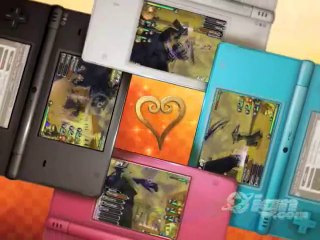
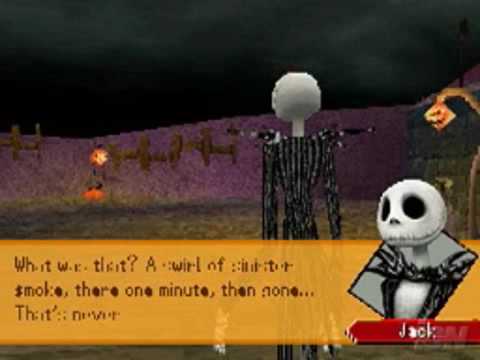
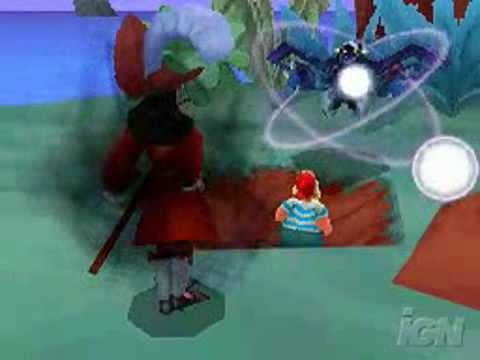
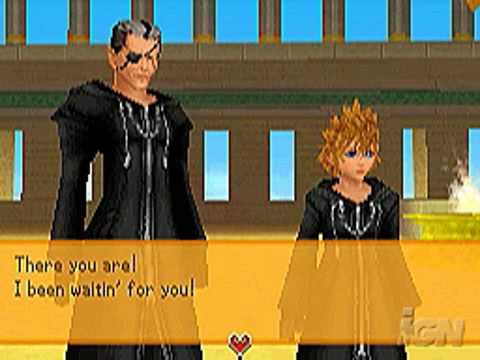
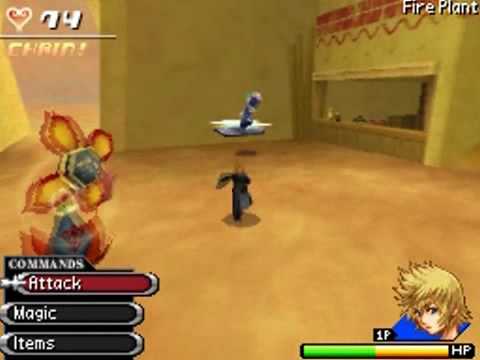
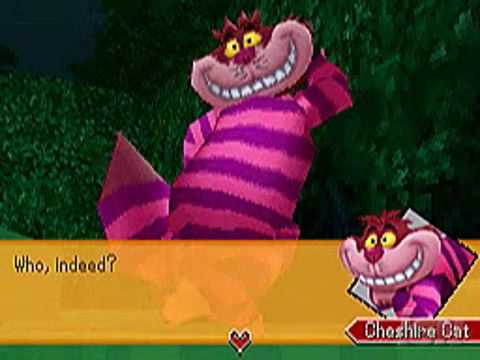
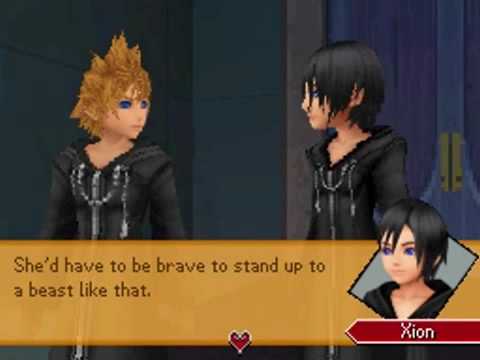
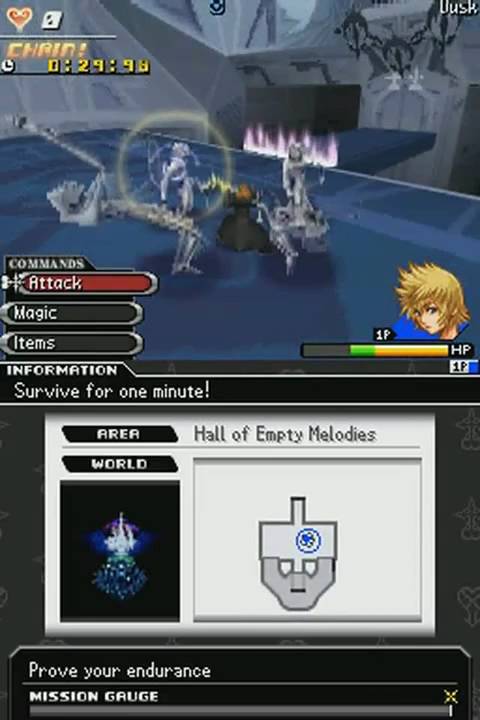
Kingdom Hearts 358/2 Days

82 trailers in this category

  1. http://www.dailymotion.com/video/x25yws7_358-2-days-english-trailer-launch-trailer_videogames
  2. http://www.youtube.com/watch?v=xyeoe6fdSis
  3. http://www.youtube.com/watch?v=5kJFyKvSXAE
  4. http://www.youtube.com/watch?v=7BqxywSktYc
  5. http://www.youtube.com/watch?v=XqYMltrNvy8
  6. http://www.youtube.com/watch?v=f2GdVy8rBoA
  7. http://www.youtube.com/watch?v=A9rGdGx3c_8
  8. http://www.youtube.com/watch?v=JZCI4dbIDbA
  9. http://www.youtube.com/watch?v=vVjYGiV0F6I
  10. http://www.youtube.com/watch?v=FFU6oLO2IfU
  11. http://vimeo.com/106162707
  12. http://www.dailymotion.com/video/x25ywr5_358-2-days-english-trailer-e3-2009_videogames
  13. http://www.youtube.com/watch?v=jnsZl1iERvE
  14. http://www.youtube.com/watch?v=56gAZ9x67Qo
  15. http://www.youtube.com/watch?v=QbLLegZzw3M
  16. http://www.youtube.com/watch?v=TId0kLxvpLE
  17. http://www.youtube.com/watch?v=G4t2qT3FkQQ
  18. http://www.youtube.com/watch?v=xzOFL7C_9DA
  19. http://www.youtube.com/watch?v=5TSegCGrCR8
  20. http://www.youtube.com/watch?v=hhuzpS5xyOg
  21. http://www.youtube.com/watch?v=RI0zQ7uuGM8
  22. http://www.youtube.com/watch?v=cAqgZapLQqI
  23. http://www.youtube.com/watch?v=OUklj-zW3oA
  24. http://www.youtube.com/watch?v=k77LTLR5KzM

Configure browser push notifications

Chrome (Android)
  1. Tap the lock icon next to the address bar.
  2. Tap Permissions → Notifications.
  3. Adjust your preference.
Chrome (Desktop)
  1. Click the padlock icon in the address bar.
  2. Select Site settings.
  3. Find Notifications and adjust your preference.
Scroll to the top