




conixis
-
Joined
-
Last visited
About Me
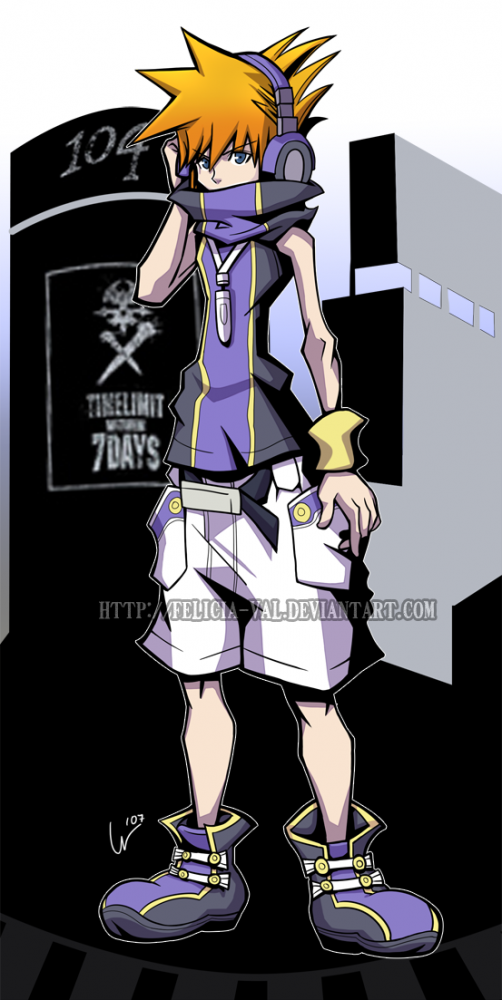
first off im a big kingdom hearts fan also a fan of the world ends with you i play alot of games and mastered all of them so if you need help on any don't be afraid to ask. ive been playing kingdom hearts for a while now ever since the first game came out then i was just hooked on it. what i want to happen though is to kinda just get to kingdom hearts 3 but i guess i can wait and if you put all of them in order i guess you can say there has been a 3 since birth by sleep started it. but anyways if i where to use a character to describe me i would have to pick neku. my faveorite kingdom hearts games would have to be 2 and birth by sleep. my fave characters from the game are sora, riku, ventus, roxas aqua, kairi, and cloud even though hes from final fantasy originally and fave the world ends with you characters would be neku, beat, shiki, rhyme, and kinda joshua. im a random person so feel free to be as random as you can ^^ lol.
