




Jump to content
View in the app

A better way to browse. Learn more.

KH13 · for Kingdom Hearts

A full-screen app on your home screen with push notifications, badges and more.

To install this app on iOS and iPadOS
  1. Tap the Share icon in Safari
  2. Scroll the menu and tap Add to Home Screen.
  3. Tap Add in the top-right corner.
To install this app on Android
  1. Tap the 3-dot menu (⋮) in the top-right corner of the browser.
  2. Tap Add to Home screen or Install app.
  3. Confirm by tapping Install.

Meryem

Member
  • Joined

  • Last visited

About Me

Hi and welcome at my page!^^


Im meryem and I live in the netherlands.

I've known kingdom hearts since I was 5. My sister was always playing it, but i've been playing it too, after kingdom hearts 385/2 days came out on the Nintendo DS^^. I really love the characters and the whole story of kingdom hearts:D


And i play other games too, ofcourse^^. My favourite games are

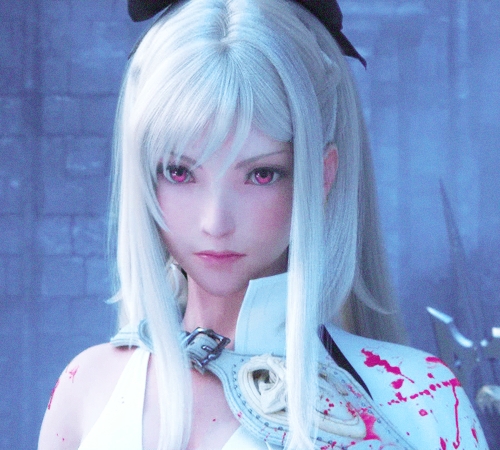
-Drakengard 3

-final fantasy

-dead or alive

And im waiting for Black Desert Online, now:)

I've played world of warcraft alot too but I didn't like it anymore.


I love to listen to rock/alternative music like red, thirty seconds to mars and my chemical romance.

Configure browser push notifications

Chrome (Android)
  1. Tap the lock icon next to the address bar.
  2. Tap Permissions → Notifications.
  3. Adjust your preference.
Chrome (Desktop)
  1. Click the padlock icon in the address bar.
  2. Select Site settings.
  3. Find Notifications and adjust your preference.
Scroll to the top