Jump to content
View in the app

A better way to browse. Learn more.

KH13 · for Kingdom Hearts

A full-screen app on your home screen with push notifications, badges and more.

To install this app on iOS and iPadOS
  1. Tap the Share icon in Safari
  2. Scroll the menu and tap Add to Home Screen.
  3. Tap Add in the top-right corner.
To install this app on Android
  1. Tap the 3-dot menu (⋮) in the top-right corner of the browser.
  2. Tap Add to Home screen or Install app.
  3. Confirm by tapping Install.

Smithee

Verified Member
  • Joined

  1. Smithee posted a status update

    R.I.P., Rip Torn (e.g., Zeus in Disney's Hercules).

  2. Smithee posted a status update

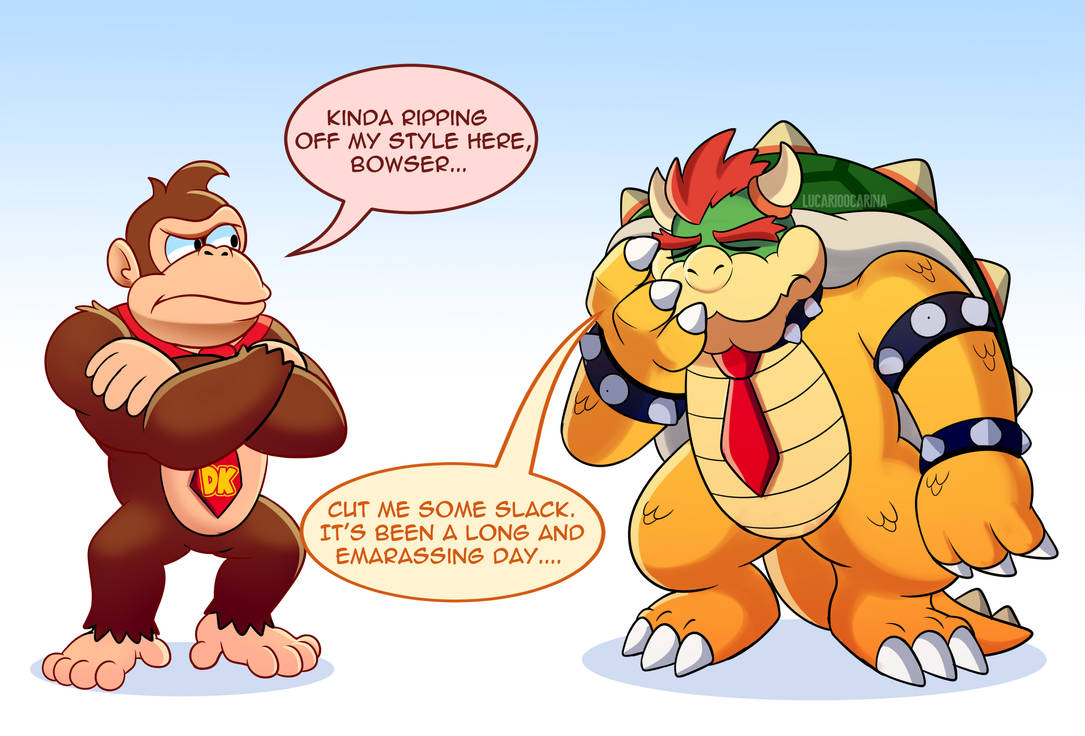
    Bowser will never live E3 2019 down:

    e3_aftermath_by_lucarioocarina_dd96at4-p

  3. Smithee posted a status update

    What is a plumber?

    A miserable little

    pile of Hidden Blocks.

    But enough talk...

    Let's-a go!

    1e8.jpg

  4. Smithee posted a status update

    Throat-punch!


  5. Smithee posted a status update

    Dear Robert Mueller,


  6. Smithee posted a status update

    hqdefault.jpg

  7. Smithee posted a status update

    The Amazing World Of Kid-Show Thing:


  8. Smithee posted a status update


  9. Smithee posted a status update


  10. Smithee posted a status update

    a public message on your own feed...

    Smithee replied

    to this status...

  11. Smithee posted a status update

    Hades: "Ooh, a piece of candy!"

  12. Smithee posted a status update

    Stratos (Tornado) is best Titan.

  13. Smithee posted a status update

    I'd like to apologize to anyone I've ever annoyed here.

  14. Smithee posted a status update

    Gillette

    The Best Identity Politics A Man Can Get


  15. Smithee posted a status update

    Pizza-Man 2:

    3482822_0.jpg


  16. Smithee posted a status update

    1nyqht.jpg

  17. Smithee posted a status update


  18. Smithee posted a status update

    This sums up their entire career:


  19. Smithee posted a status update


  20. Smithee posted a status update

    Yoda: "A Merry Christmas, I wish you."

    star_wars_christmas_8_yoda.jpg

Configure browser push notifications

Chrome (Android)
  1. Tap the lock icon next to the address bar.
  2. Tap Permissions → Notifications.
  3. Adjust your preference.
Chrome (Desktop)
  1. Click the padlock icon in the address bar.
  2. Select Site settings.
  3. Find Notifications and adjust your preference.
Scroll to the top