




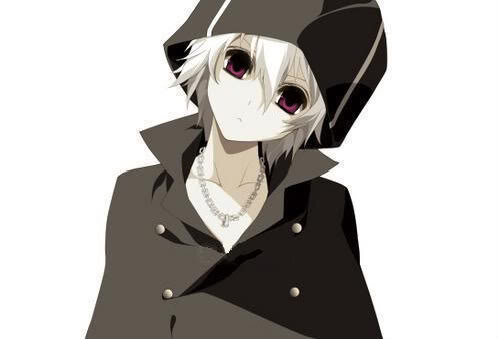
Xander
-
Joined
-
Last visited
About Me
Hello those who have ventured to my page. I am Xander. This of course isn't my real name, but instead the name of my Kingdom Hearts fanfiction character, I am a strong lover of the Kingdom Hearts universe, and I've loved it for a very long time. A little about me... I enjoy writing fanfiction, though I've never posted any of my stories before. However I will be changing that! My current obsession is my character Xander. (Yes, him again.) He is just so cool! I would love to be able to write my own fanfiction of Kingdom Hearts with my very own creation Xander as the star. If anyone is interested in this story please feel free to message me. I'm not a mean guy. I'm actually pretty nice, and nerdy. I love anime, manga, video games, music and movies. I love to make new friends, so please do not hesitate to talk to me. I encourage any and all to embrace themselves for who they are, and to feel free to express their opinions. Thank you for visiting my page and reading my bio.
