Jump to content
View in the app

A better way to browse. Learn more.

KH13 · for Kingdom Hearts

A full-screen app on your home screen with push notifications, badges and more.

To install this app on iOS and iPadOS
  1. Tap the Share icon in Safari
  2. Scroll the menu and tap Add to Home Screen.
  3. Tap Add in the top-right corner.
To install this app on Android
  1. Tap the 3-dot menu (⋮) in the top-right corner of the browser.
  2. Tap Add to Home screen or Install app.
  3. Confirm by tapping Install.

Terriku

Verified Member
  • Joined

  • Last visited

Everything posted by Terriku

  1. Nice to meet you all too. you all can call me Sorku or Austin lol
  2. This is gonna be a good story, i can tell! I'm new so i probably won't appear in this but aw well! Still good!
  3. Well i wanted to just be Riku since he is my favorite character, along with Terra but i was pretty sure Riku and Terra were taken lol
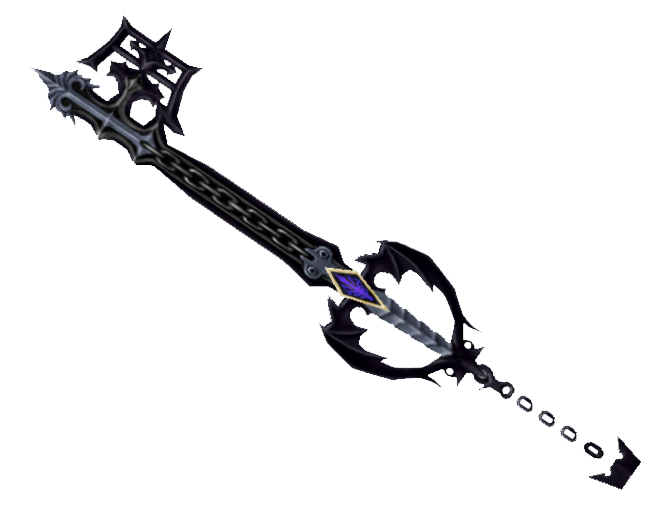
  4. Favorite Keyblade in the series
  5. Awesome! I feel so welcomed already! Thank you all
  6. I'm new to this site and i love Kingdom Hearts and i'm hoping to meet some people and talk to them about Kingdom Hearts

Configure browser push notifications

Chrome (Android)
  1. Tap the lock icon next to the address bar.
  2. Tap Permissions → Notifications.
  3. Adjust your preference.
Chrome (Desktop)
  1. Click the padlock icon in the address bar.
  2. Select Site settings.
  3. Find Notifications and adjust your preference.
Scroll to the top