Jump to content
View in the app

A better way to browse. Learn more.

KH13 · for Kingdom Hearts

A full-screen app on your home screen with push notifications, badges and more.

To install this app on iOS and iPadOS
  1. Tap the Share icon in Safari
  2. Scroll the menu and tap Add to Home Screen.
  3. Tap Add in the top-right corner.
To install this app on Android
  1. Tap the 3-dot menu (⋮) in the top-right corner of the browser.
  2. Tap Add to Home screen or Install app.
  3. Confirm by tapping Install.

Lyla Hearts

Member
  • Joined

  • Last visited

About Me

Hi! I'm Lyla Hearts! I live in Twilight Town and was born and raised there with my friends..
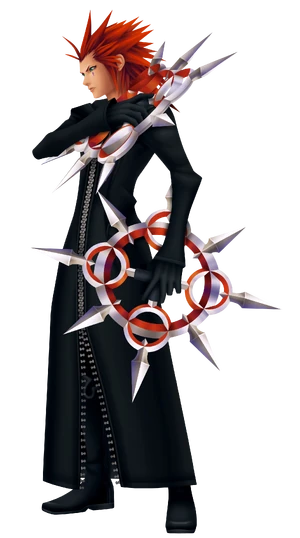
300px-Axel_Days_2.png

Axel

xion_by_rockwoo-d2zay2c.png

Xion

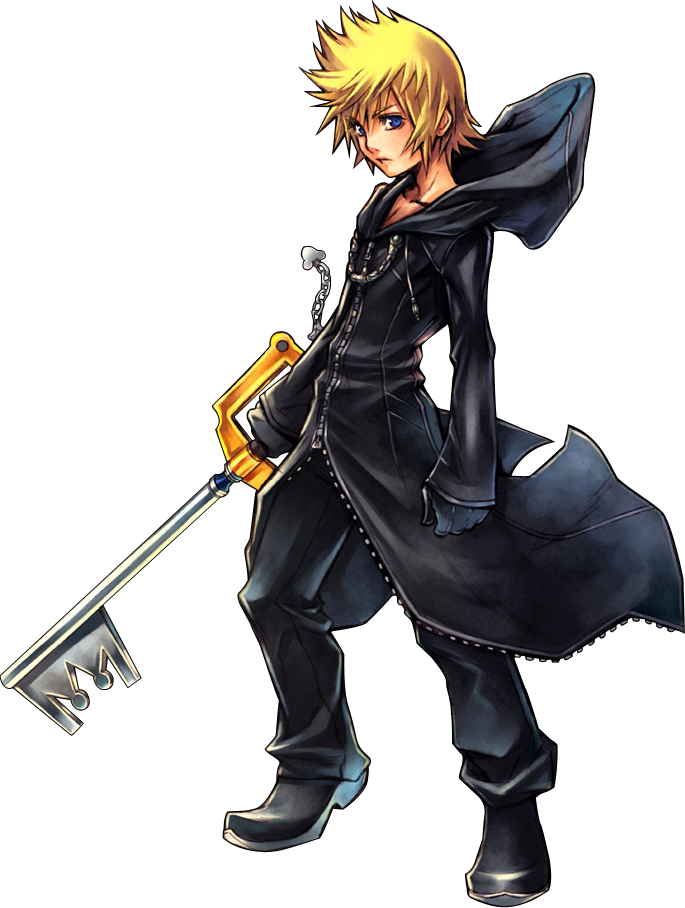
Roxas-roxas-31341776-685-908.png

Roxas[/

And some other friends. I also fell in love with Riku and made some more friends ^-

RikuWallpaper.jpg

I listen to music a lot and my favorite band is

My CHEMICAL ROMANCE

my-chemical-romance-18.jpg[/font]


like to draw anime and watch it too. :) I want to make some friends here so you guys can friend me anytime you want!
50939.jpg


emo-boy.jpg

Emo-girl-hair-18.jpg

emo-hearts-1-pink.jpg


~Lyla<3H3arts~

Configure browser push notifications

Chrome (Android)
  1. Tap the lock icon next to the address bar.
  2. Tap Permissions → Notifications.
  3. Adjust your preference.
Chrome (Desktop)
  1. Click the padlock icon in the address bar.
  2. Select Site settings.
  3. Find Notifications and adjust your preference.
Scroll to the top