




Jump to content
View in the app

A better way to browse. Learn more.

KH13 · for Kingdom Hearts

A full-screen app on your home screen with push notifications, badges and more.

To install this app on iOS and iPadOS
  1. Tap the Share icon in Safari
  2. Scroll the menu and tap Add to Home Screen.
  3. Tap Add in the top-right corner.
To install this app on Android
  1. Tap the 3-dot menu (⋮) in the top-right corner of the browser.
  2. Tap Add to Home screen or Install app.
  3. Confirm by tapping Install.

XehanortBirthbysleep

Member
  • Joined

  • Last visited

About Me

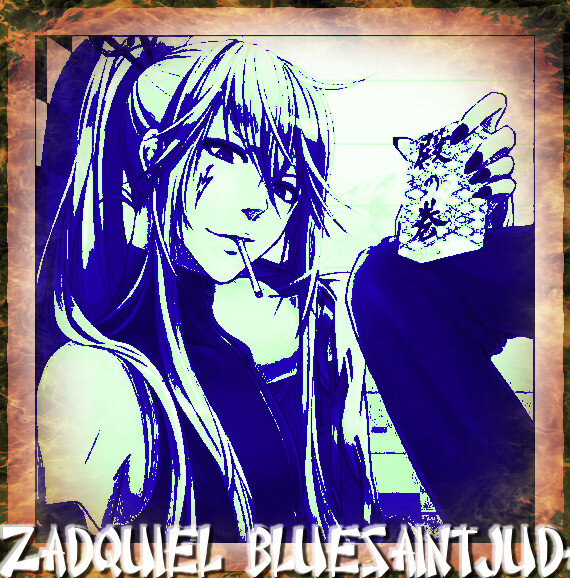
Letter From Gakupo:

If You can read this, that means than your soul is mine!!!

I am not who you're thinking, really I've take the Xeanort by name cause I dont know my identity....

I became from Darkness and the Dark Becomes form.....

I'm carrying The "Bluesaintjudas Keyblade"

I have no light and no heart,....

I have stole that heart form the Keyblade Graveyard..

it's really powerfulll and hurts a lot....

-I'm a Nobody- Eaveryone say...is true...

Find a way is my destiny...

And destroy everyone!!!!


Bluesaintjudas

Configure browser push notifications

Chrome (Android)
  1. Tap the lock icon next to the address bar.
  2. Tap Permissions → Notifications.
  3. Adjust your preference.
Chrome (Desktop)
  1. Click the padlock icon in the address bar.
  2. Select Site settings.
  3. Find Notifications and adjust your preference.
Scroll to the top