Jump to content
View in the app

A better way to browse. Learn more.

KH13 · for Kingdom Hearts

A full-screen app on your home screen with push notifications, badges and more.

To install this app on iOS and iPadOS
  1. Tap the Share icon in Safari
  2. Scroll the menu and tap Add to Home Screen.
  3. Tap Add in the top-right corner.
To install this app on Android
  1. Tap the 3-dot menu (⋮) in the top-right corner of the browser.
  2. Tap Add to Home screen or Install app.
  3. Confirm by tapping Install.

Jiraiya's Disciple

Verified Member
  • Joined

  • Last visited

About Me

About Me...My Name is Bryce and uh yeah anyways

Hair-Brown

Eyes-Brown

Age-17

Height-5-8 I'm short screw you jerks

Weight-135 pounds

Favorite Manga-

Bleach

Naruto

Dragon Ball Z

Death Note

High School DxD

Favorite Anime-

Same as Manga

Favorite Books-

The Mortal Instruments

The Chronicles Vladimir Todds

The Chronicles of Nick

The Immortal Nicolas Flammel Series

I live in Ohio

I get Computer Schooled through OHVA (K12)

I'm an all around dork so feel free to chat with me....yeah

JIRAIYA APPROVES!!!!!!!!!!

tumblr_mnj638eavr1srkga1o1_500.gif

ku-medium.gif
AHHHHHHHHHHHHHHHHHHHHHHHHHHHHHHHh

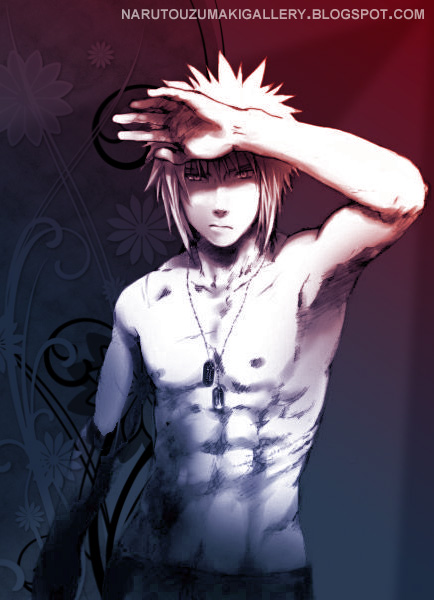
minato_namikaze_shirtless_by_naruuzum-d4
I'm Just 2 SEXY

Sasuke Blows

tumblr_mnzd0mR2ZY1ssrvngo1_400.gif

Super Saiyan 4 Broly
images?q=tbn:ANd9GcQnENIqNEqVET4AgDK30Ua

tumblr_mgumiiLCdk1rbit9yo1_400.gif

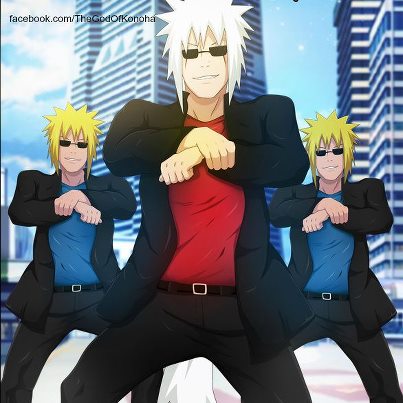
Dance You Fools
dancinganime.gif


163667_v0_460x.jpg

I wish

Come Obito Today We Troll Justice
come-obito-today-we-troll-justice_o_7607

naruto____spoilers_for_509_by_askerian-d


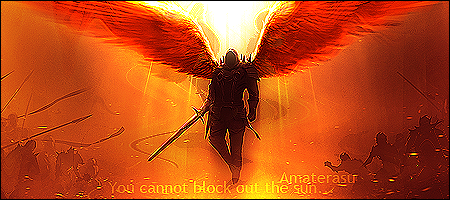
amaterasu.png
jin_kisaragi_by_uniquesaintlypoet-d5u7cu
立塞がとゆうのなら、…切る丈だ。(If you must stand in my way...I only have to kill you.)


strawberry_in_the_dark_by_allmanette-d6d

Strawberry in the Dark

http://youtu.be/y3MEe1LX368&autoplay=1


ANNNNNNNNNNNNNNNNNNNNNNNNNNND!!!!!!
ineeDvSpLDq0O.gif

BROOOOOOOOOOOOOOOO 5!!!!!!!!!!!!!!!!!!!!!!!!!!!!!!!!!!!

Configure browser push notifications

Chrome (Android)
  1. Tap the lock icon next to the address bar.
  2. Tap Permissions → Notifications.
  3. Adjust your preference.
Chrome (Desktop)
  1. Click the padlock icon in the address bar.
  2. Select Site settings.
  3. Find Notifications and adjust your preference.
Scroll to the top