




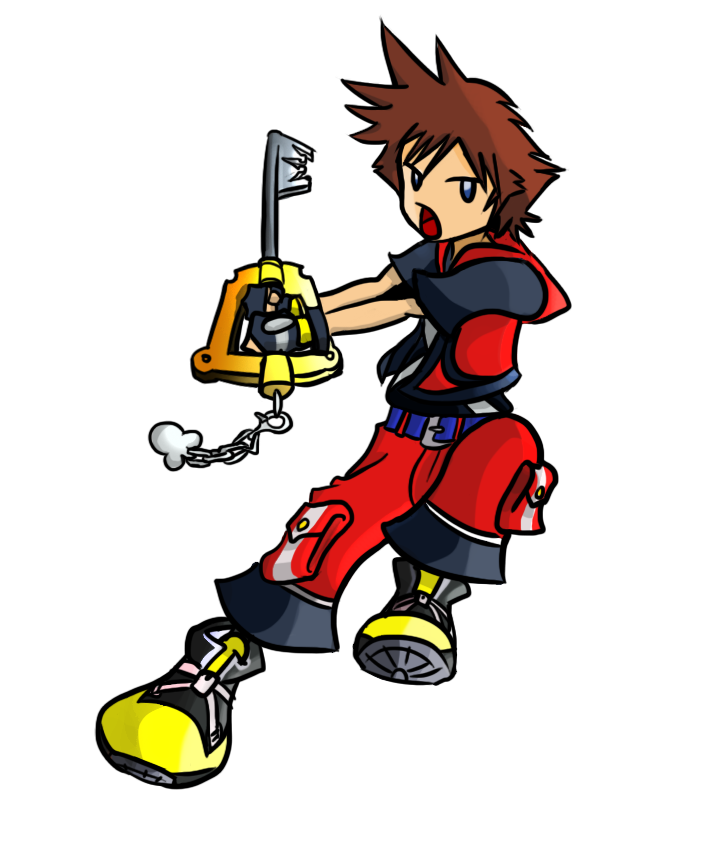
MasterOfValor
Verified Member
-
Joined
-
Last visited
-
 nahhh I will show u next time you come to my house or something
 -
-
dude.. you gotta calm down with the Naruto.. you dont want another obsession phase like you had with Dragon Ball Z
-
dude.. obsessed... calm down..
-
cool i didnt just see it, I DREW IT
-
-
You know what movie needs a world? The Sorcerers Apprentice. The 2010 one not the old 1942 one since that one already has a world...
-
Dude.. WHAT?? I mean.. they had Space Paranoids(KH2), The Grid(KHDDD) and Port Royal(KH2) So why not Star Wars?
-
They have had about 55 games already.. If you count them all..
-
Since Disney bought Star Wars and Marvel, I hope they make worlds inspired by them in KH3! LIGHTSABER KEYBLADE!!!! WOOO!!!
-
Sorry man, I fell asleep!
-
I hope that in KH3 you can play as Sora, Riku and Kairi. Sort of like they did in BBS but I wouldnt be complaining if it was just Sora. KH2 is BY FAR my favorite game in the series because of the forms and reaction commands and I'm hoping they continue that in KH3.
-
-
heheehee
-
 Wow! Its great!
