Jump to content
View in the app

A better way to browse. Learn more.

KH13 · for Kingdom Hearts

A full-screen app on your home screen with push notifications, badges and more.

To install this app on iOS and iPadOS
  1. Tap the Share icon in Safari
  2. Scroll the menu and tap Add to Home Screen.
  3. Tap Add in the top-right corner.
To install this app on Android
  1. Tap the 3-dot menu (⋮) in the top-right corner of the browser.
  2. Tap Add to Home screen or Install app.
  3. Confirm by tapping Install.

NeoKaiser98

Verified Member
  • Joined

  • Last visited

  1. NeoKaiser98 posted a status update

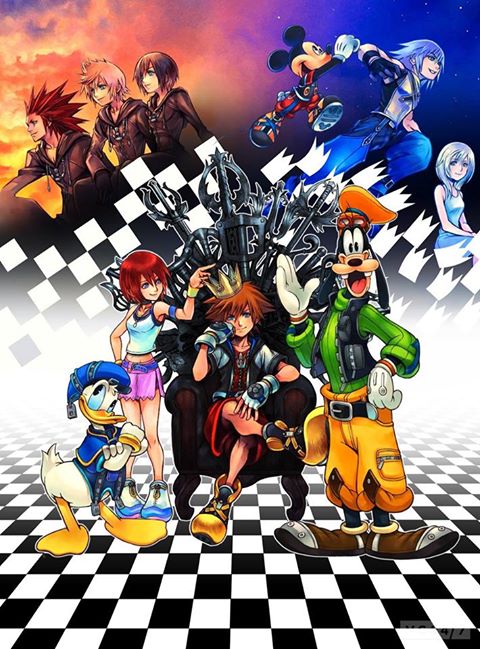
    About 1 month left for KH 1.5 to come out and I can already hear those two platinum trophies! (358/2 Days only has about 6 trophies and does not have a platinum, of course, its just cutscenes)I AM SO EXCITED!!!

  2. NeoKaiser98 posted a status update

    Now I'm in over my head For something I said Completely misread, I'm better off dead And now I can see, how fake you can be This hypocrisy's beginning to get to me

  3. NeoKaiser98 posted a status update

    I'm Breaking The Habit..

    ReikuSSR replied

    *claps* wow. You likin park'ed Neokaiser.

    It take 27 days to make or break a habit.

    NeoKaiser98 replied

    Hells YEAAAHHHH!!!!

  4. NeoKaiser98 posted a status update

    I'm Breaking The Habit..

    OathOblivio replied

    DUN, DUN, DUN....

  5. Black Cat left a comment on NeoKaiser98's profile

    epic music and game's you like

Configure browser push notifications

Chrome (Android)
  1. Tap the lock icon next to the address bar.
  2. Tap Permissions → Notifications.
  3. Adjust your preference.
Chrome (Desktop)
  1. Click the padlock icon in the address bar.
  2. Select Site settings.
  3. Find Notifications and adjust your preference.
Scroll to the top