Samuraiwarm Tsunayoshi
Verified Member
-
Joined
-
Last visited
-
 I was trying to factory reset on my android, then I don't know how to back up for KHUx. Thank you for helping!
 -
-
Thank you Yeah today's kinda my bad luck. By the way I still appreciate that my team helped me for the guilt. The only thing I need is potion... T_T By the way can it be reported or not? Does it count like I cancel the fight or somehow?
-
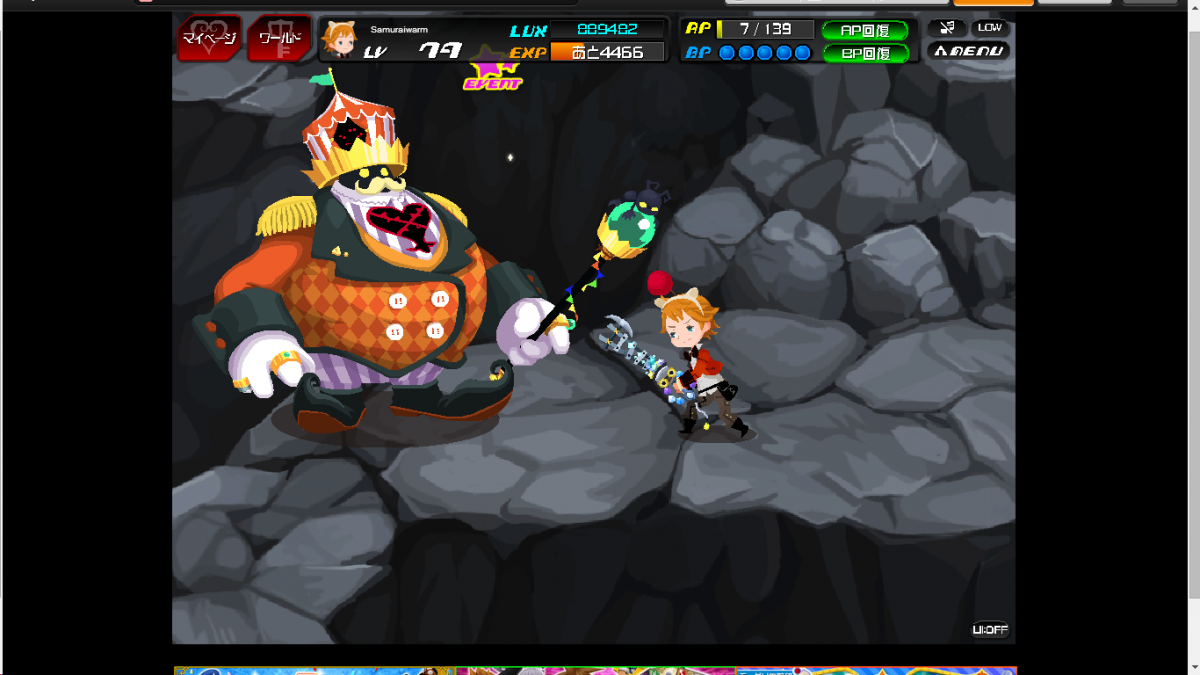
I was gonna fight a LVL 666 Roudy Master (Big guy), almost killed it. But then the internet connection is frozen and cannot be fixed without restarting computer. I came back to game and everything's reset as before. Can I report about this bug? Can I get my potion back? Please help! Yeah this sounds stupid to do by the way. I feel bad about this.

-
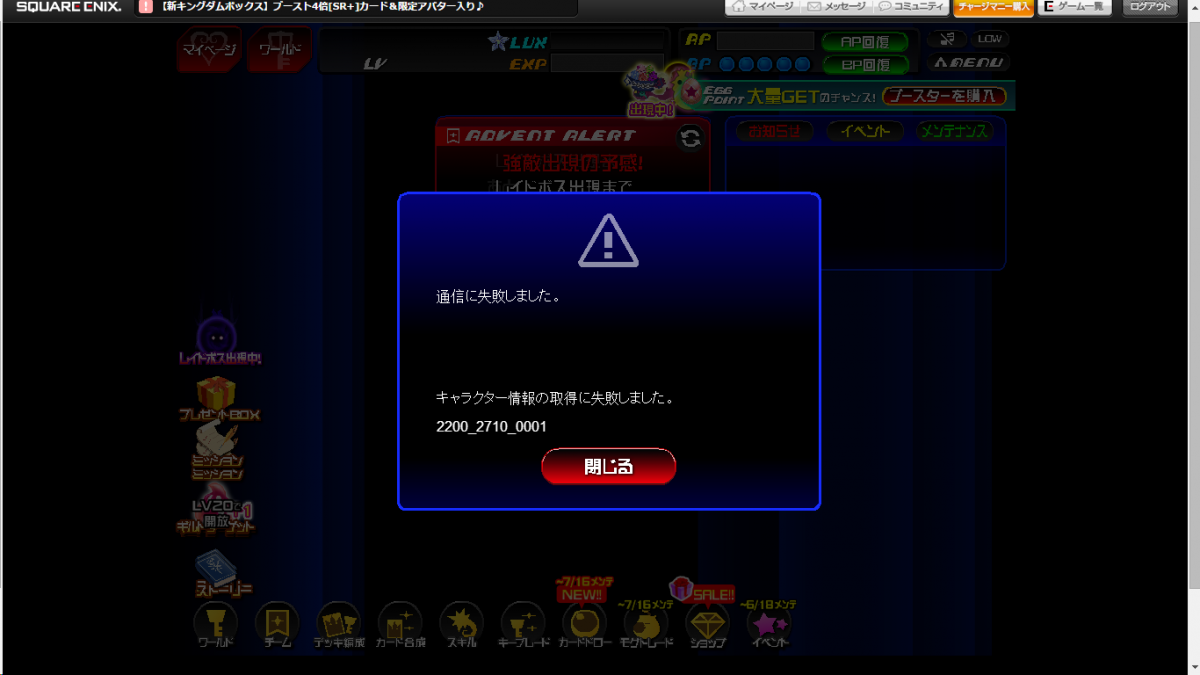
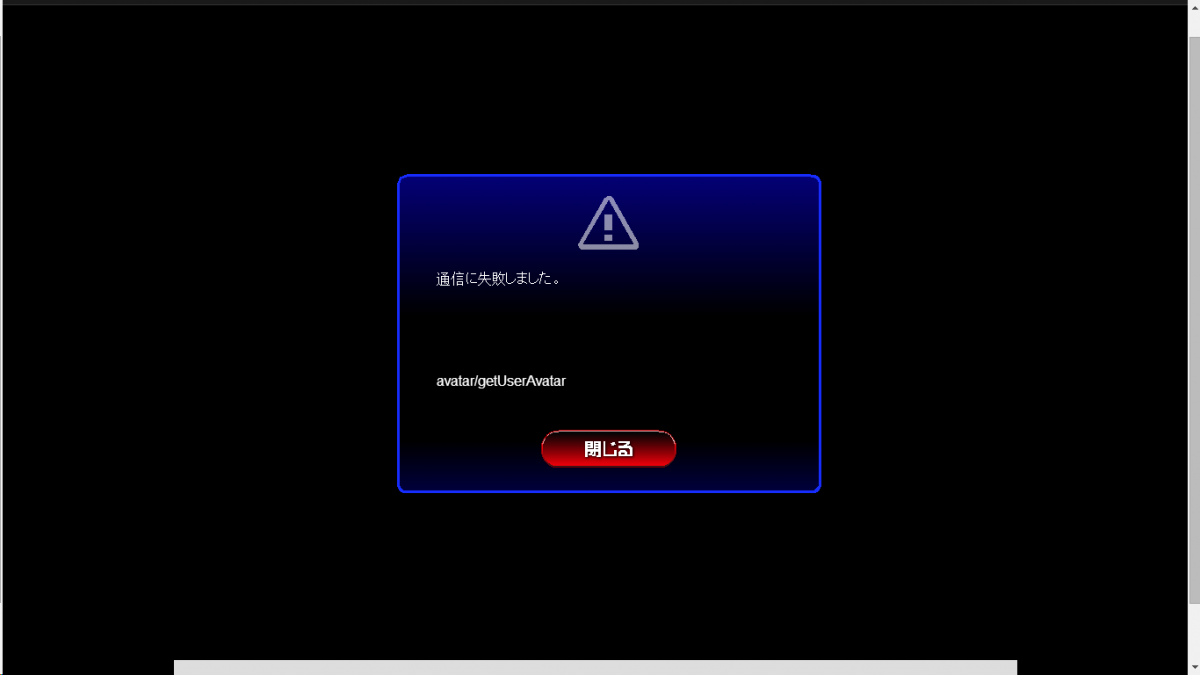
I don't know why these bugs happen to me. It used to be once in a while, but now I get them almost every time on starting. - First bug When this bug happens, the game restarts and every buttons won't work, so I have to refresh until the game is finally not buggy. - Second bug This thing appears like 10-20 pop-ups, and usually freezes the game. Please help meh!!!


-
-
Haiii~! Welcome to my (empty) profile!