Jump to content
View in the app

A better way to browse. Learn more.

KH13 · for Kingdom Hearts

A full-screen app on your home screen with push notifications, badges and more.

To install this app on iOS and iPadOS
  1. Tap the Share icon in Safari
  2. Scroll the menu and tap Add to Home Screen.
  3. Tap Add in the top-right corner.
To install this app on Android
  1. Tap the 3-dot menu (⋮) in the top-right corner of the browser.
  2. Tap Add to Home screen or Install app.
  3. Confirm by tapping Install.

Yashmin Mohammed

Verified Member
  • Joined

  • Last visited

Reputation Activity

  1. Like
    Yashmin Mohammed got a reaction from Jake for a gallery image, Sora   
  2. Like
    Yashmin Mohammed reacted to khkairi12 for a gallery image, Do you remember the light?   
    KH13 contest entry
     
    This is based off of one of my favorite memories/events when I first played Kingdom Hearts, I was so devastated that Sora's keyblade was taken from him after everything he gone through with it. It was pretty devastating...
  3. Like
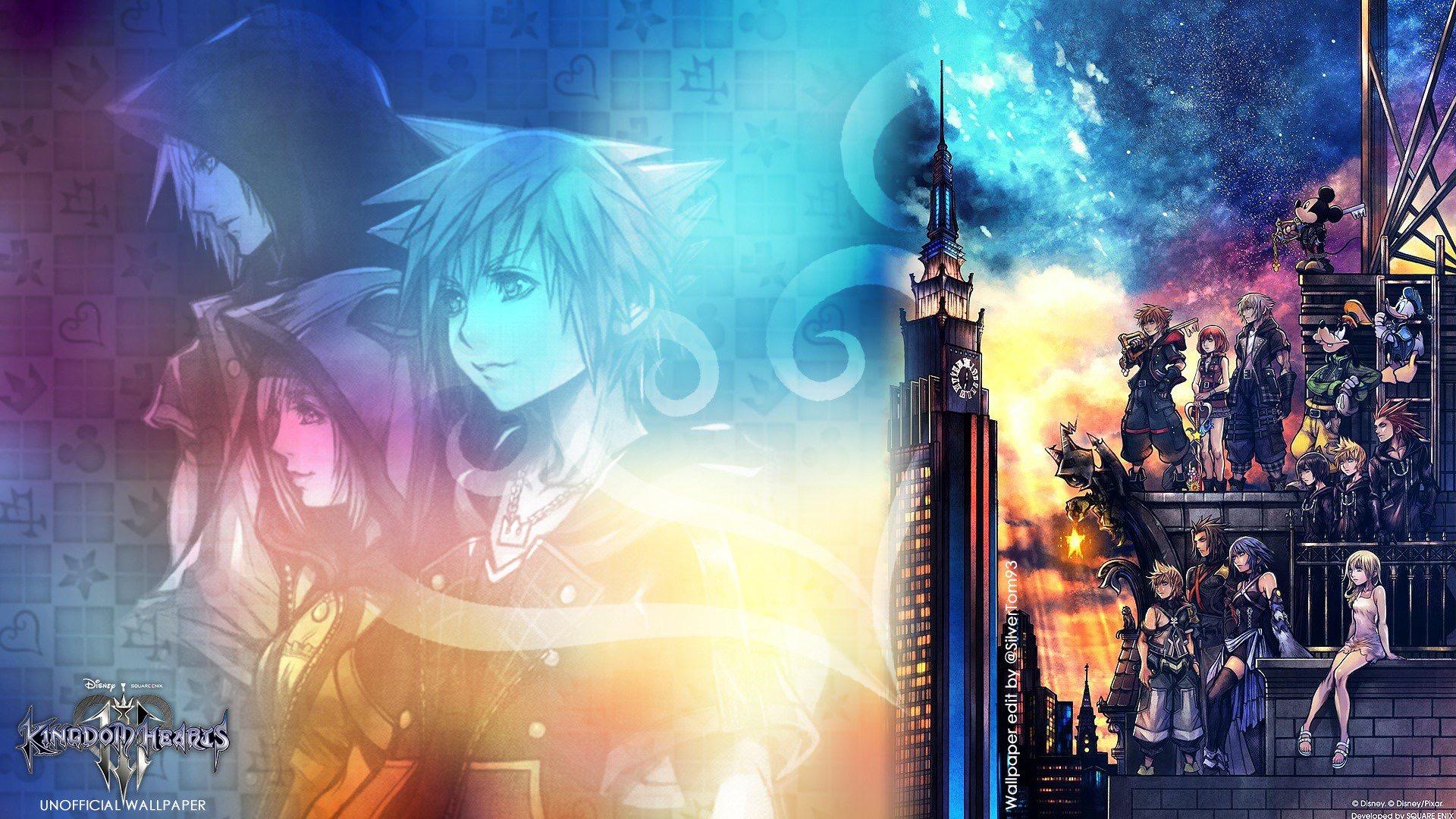
    Yashmin Mohammed got a reaction from Exiblade7 for a gallery image, KINGDOM HEARTS 3   
  4. Like
    Yashmin Mohammed got a reaction from Ventuslover123 for a gallery image, Xigbar   

Configure browser push notifications

Chrome (Android)
  1. Tap the lock icon next to the address bar.
  2. Tap Permissions → Notifications.
  3. Adjust your preference.
Chrome (Desktop)
  1. Click the padlock icon in the address bar.
  2. Select Site settings.
  3. Find Notifications and adjust your preference.
Scroll to the top