




Jump to content
View in the app

A better way to browse. Learn more.

KH13 · for Kingdom Hearts

A full-screen app on your home screen with push notifications, badges and more.

To install this app on iOS and iPadOS
  1. Tap the Share icon in Safari
  2. Scroll the menu and tap Add to Home Screen.
  3. Tap Add in the top-right corner.
To install this app on Android
  1. Tap the 3-dot menu (⋮) in the top-right corner of the browser.
  2. Tap Add to Home screen or Install app.
  3. Confirm by tapping Install.

Maximz

Verified Member
  • Joined

  • Last visited

Everything posted by Maximz

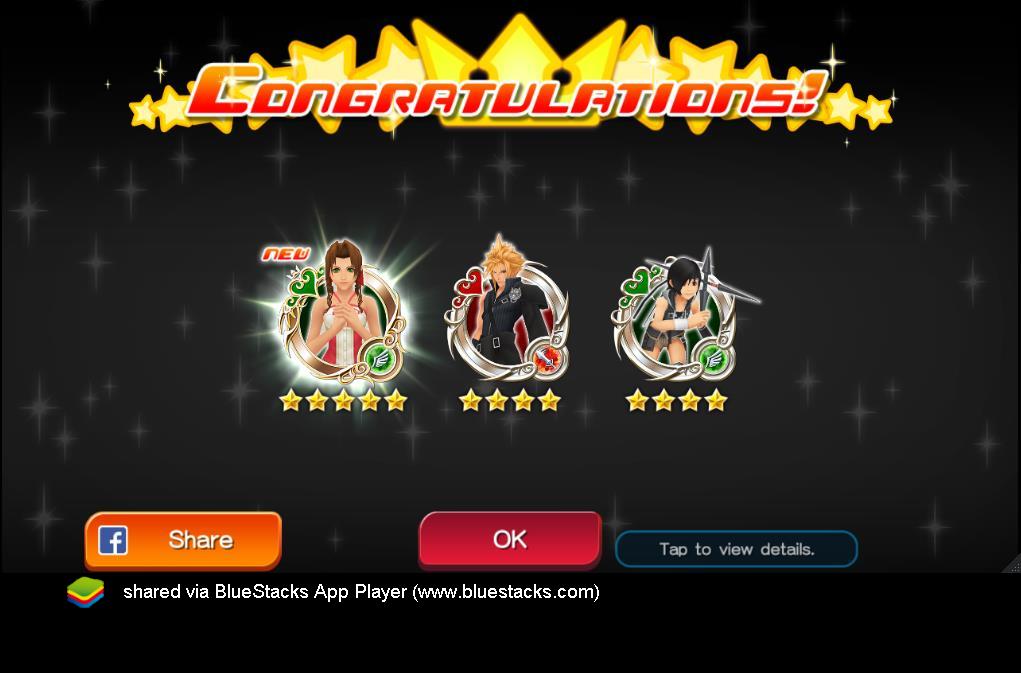
  1. hmmmm that kinda makes me want to do the daily deal a bit more now hmmmmmEdit: i ended up doing a daily pull because you said i can also get them in the daily, i got the aerith medal~ and cloud! so now i have another question, does the aerith medal buff any medal regardless of typing?
  2. the new medals are supposed to be leaving today....or atleast that 3000 pull is leaving, are the medals going to stay in the pull? im asking cuz i only have 1360 jewels and i didn't get any of the buff medals (aerith, diz or vivi....or w/e) and im still looking to get more medals like kh 3 cloud and riku black coat i was debating on doing a 600 pull but idk if its worth it.

Configure browser push notifications

Chrome (Android)
  1. Tap the lock icon next to the address bar.
  2. Tap Permissions → Notifications.
  3. Adjust your preference.
Chrome (Desktop)
  1. Click the padlock icon in the address bar.
  2. Select Site settings.
  3. Find Notifications and adjust your preference.
Scroll to the top