




SketchbookMemories
Member
-
Joined
-
Last visited
-
-
 I am, thank you for the well wishes!
 -
Yeah. It wasn't easy, since today would be my 6th day there. I'm just glad to be back home
-
Just got out of the hospital Been watching KH reactions on youtube to help.
-
When Axel kills Vexen. I love Vexen but his death was so necessary.
-
Namine and Ventus, to be honest, since they seem to be opposites and I think they would balance each other out.
-
My favorite character would have to be Zexion, for the main reason that I love books and he has a Lexicon, and my least favorite character is Larxene, which seems to be a common theme in this thread.
-
-
Thank you all for your kind messages!
-
-
-
-
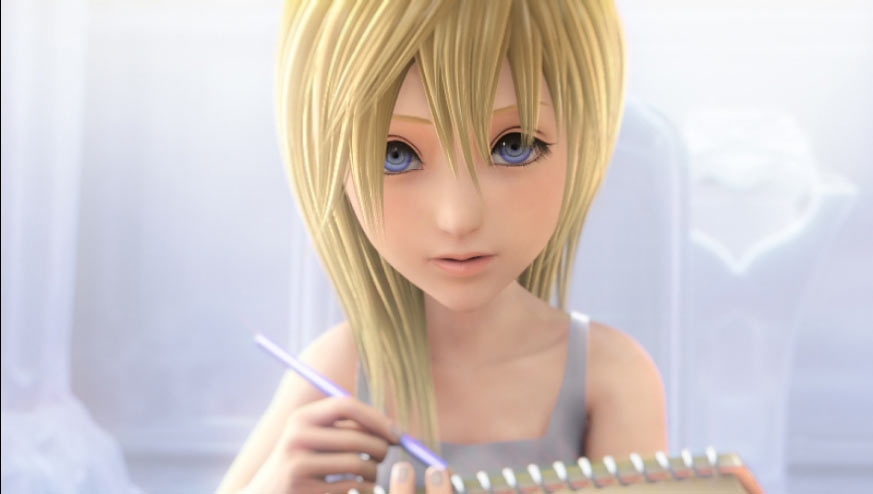
Howdy! I just made an account here (after years of watching this website from afar), and I'm really excited to finally be apart of this community! I've been a fan of KH for a good half of my life, and I can't wait to connect with people who like it as much or more than I do. As you can see form my username, I am a big fan of Namine, mostly because I actually act a lot like her. My favorite KH games are KHUx and Birth by Sleep, and I hope that I'll have a good time! ~Nathaniel

