Jump to content
View in the app

A better way to browse. Learn more.

KH13 · for Kingdom Hearts

A full-screen app on your home screen with push notifications, badges and more.

To install this app on iOS and iPadOS
  1. Tap the Share icon in Safari
  2. Scroll the menu and tap Add to Home Screen.
  3. Tap Add in the top-right corner.
To install this app on Android
  1. Tap the 3-dot menu (⋮) in the top-right corner of the browser.
  2. Tap Add to Home screen or Install app.
  3. Confirm by tapping Install.

animeoveraddict

Member
  • Joined

  • Last visited

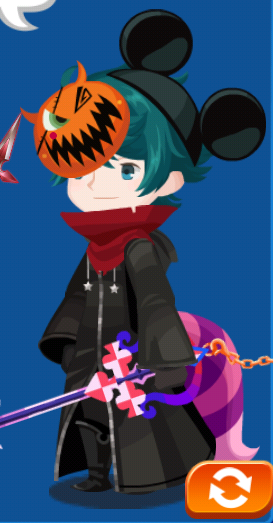
  1. Here's mine. https://photos.app.goo.gl/DJR3CoGxFXbjRwH43
  2. What is your game ID Number/Nickname? 4025892 (ID) / Xancdun (My nobody name) What level are you? 211 Why did you join the Unicornis union? Bc Unicorns are a symbol of light. Are you a member of a party? Yes What is your favorite medal? Key Art #16, it’s beast, like, really beast.
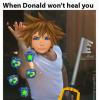
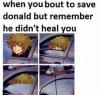
  3. Goofy might be helpful for drive forms, but Donald is only there for moral support really. I mean, he never does anything useful....... like healing Sora. He basically makes you use every potion you have. Yeah, Donald needs to learn to use Cure, and I mean correctly; don’t use Cure right after Sora’s healed.


Configure browser push notifications

Chrome (Android)
  1. Tap the lock icon next to the address bar.
  2. Tap Permissions → Notifications.
  3. Adjust your preference.
Chrome (Desktop)
  1. Click the padlock icon in the address bar.
  2. Select Site settings.
  3. Find Notifications and adjust your preference.
Scroll to the top