





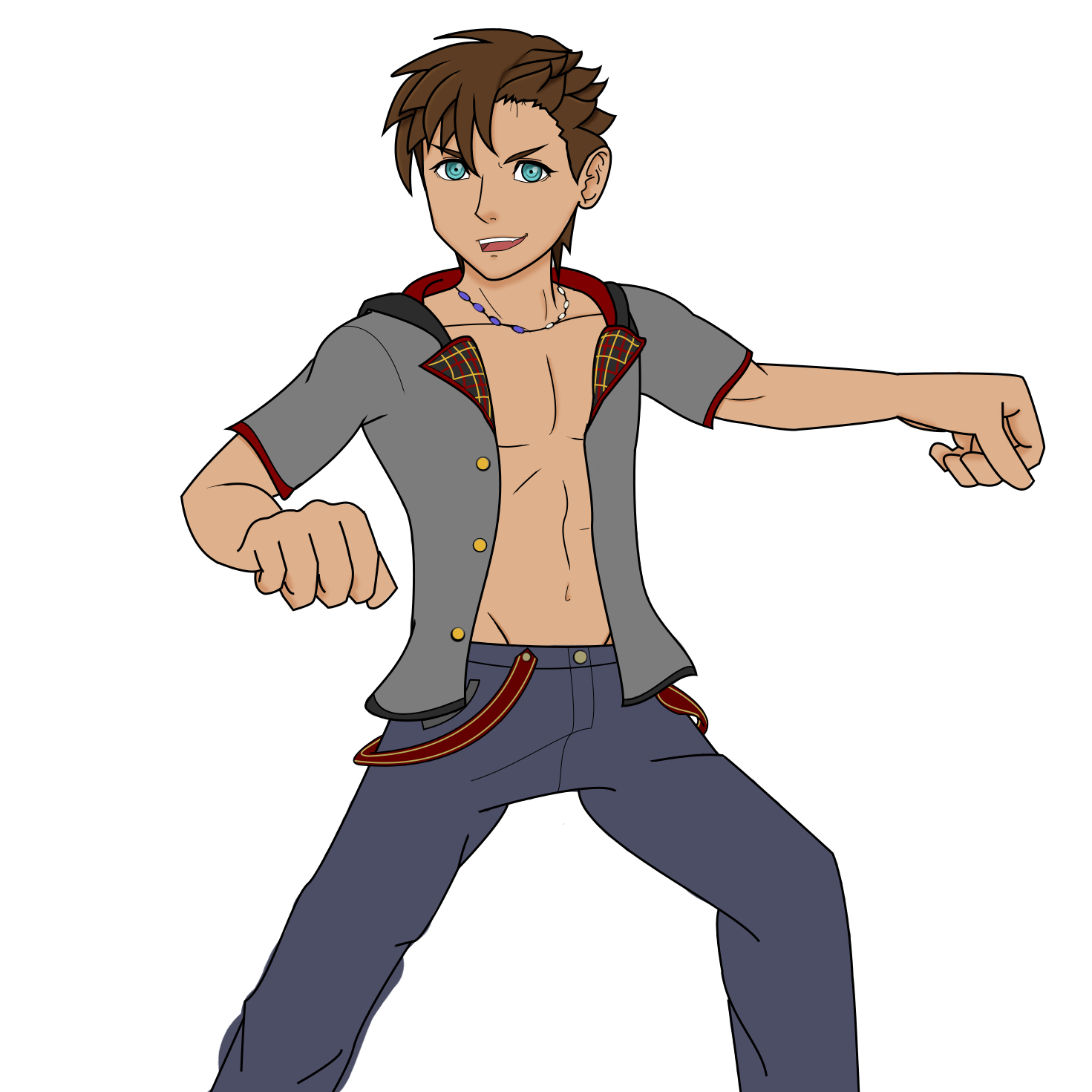
KinoKey
Verified Member
-
Joined
-
Last visited
Everything posted by KinoKey
-
 A bit more matured Sora i guess. :goofysip:
 -
-
-
-
AHA! MoM is Mike Wazoski confirmed.
or something that shows it connected to his Keyblade.
I need the Master to just have his missing eye open and just be a void. That'd be sick.
<:norteyes:496450964803551243> <:norteyes:496450964803551243>
I need a Riku breakdown like this.
Guess I had to at some point. :peepoHappy:
my new drawing tablet came in the mail today.
The servers are the 7 cakes. Cakes are power enriched by the eggs. The baker is the one who unifies the cakes.
I've never had a problem with fishing at least not a this point. ?
:PepeHands: My calling is shitposting.
Account
Search
Configure browser push notifications
Chrome (Android)
- Tap the lock icon next to the address bar.
- Tap Permissions → Notifications.
- Adjust your preference.
Chrome (Desktop)
- Click the padlock icon in the address bar.
- Select Site settings.
- Find Notifications and adjust your preference.
Safari (iOS 16.4+)
- Ensure the site is installed via Add to Home Screen.
- Open Settings App → Notifications.
- Find your app name and adjust your preference.
Safari (macOS)
- Go to Safari → Preferences.
- Click the Websites tab.
- Select Notifications in the sidebar.
- Find this website and adjust your preference.
Edge (Android)
- Tap the lock icon next to the address bar.
- Tap Permissions.
- Find Notifications and adjust your preference.
Edge (Desktop)
- Click the padlock icon in the address bar.
- Click Permissions for this site.
- Find Notifications and adjust your preference.
Firefox (Android)
- Go to Settings → Site permissions.
- Tap Notifications.
- Find this site in the list and adjust your preference.
Firefox (Desktop)
- Open Firefox Settings.
- Search for Notifications.
- Find this site in the list and adjust your preference.
