Jump to content
View in the app

A better way to browse. Learn more.

KH13 · for Kingdom Hearts

A full-screen app on your home screen with push notifications, badges and more.

To install this app on iOS and iPadOS
  1. Tap the Share icon in Safari
  2. Scroll the menu and tap Add to Home Screen.
  3. Tap Add in the top-right corner.
To install this app on Android
  1. Tap the 3-dot menu (⋮) in the top-right corner of the browser.
  2. Tap Add to Home screen or Install app.
  3. Confirm by tapping Install.

Scorpio Li

Member
  • Joined

  • Last visited

About Me

Scorpio Li is here.

Can go by "Scorpio", "ScorpioLi", or even my other name "GGDude00"/"GGDude". 

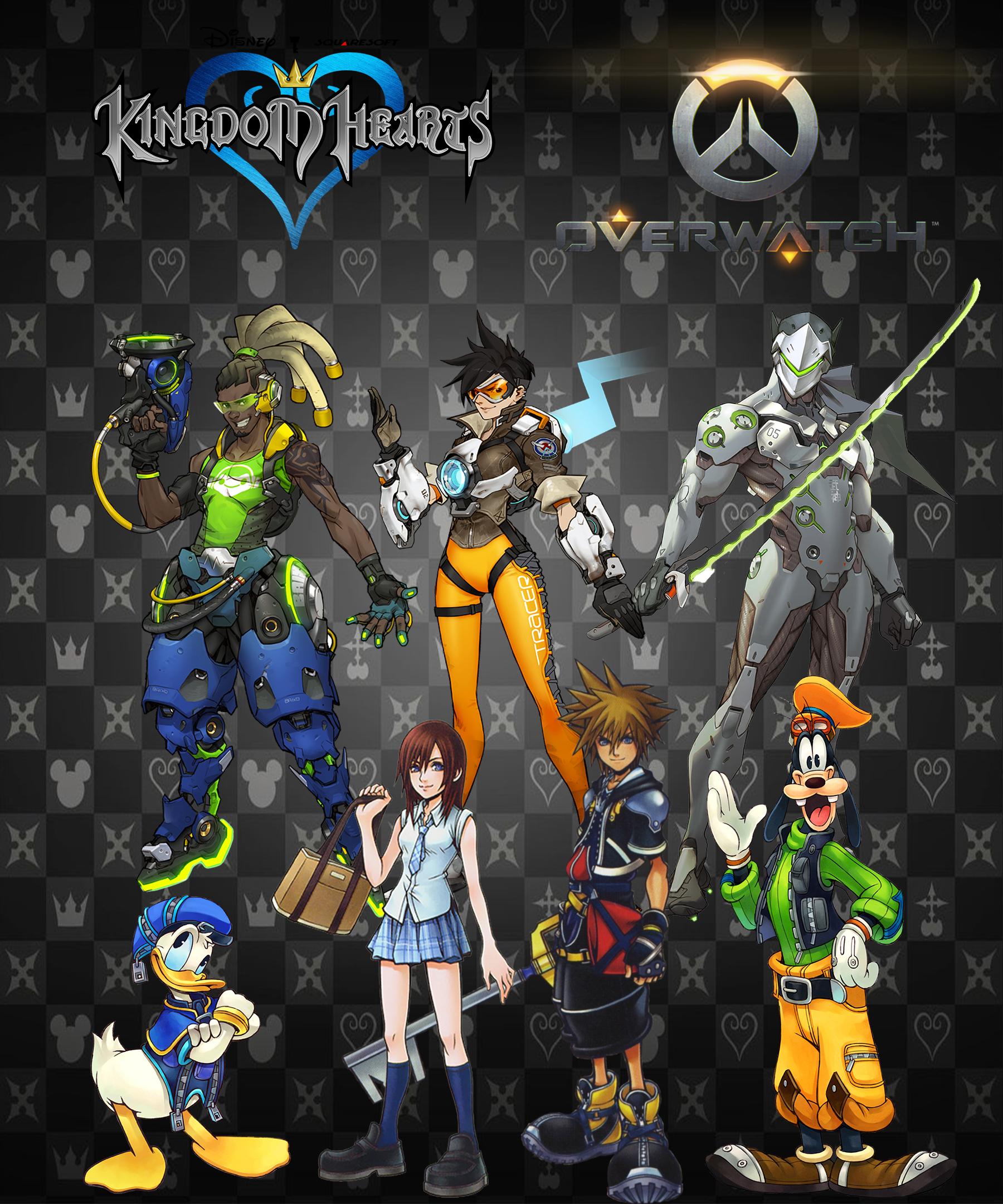
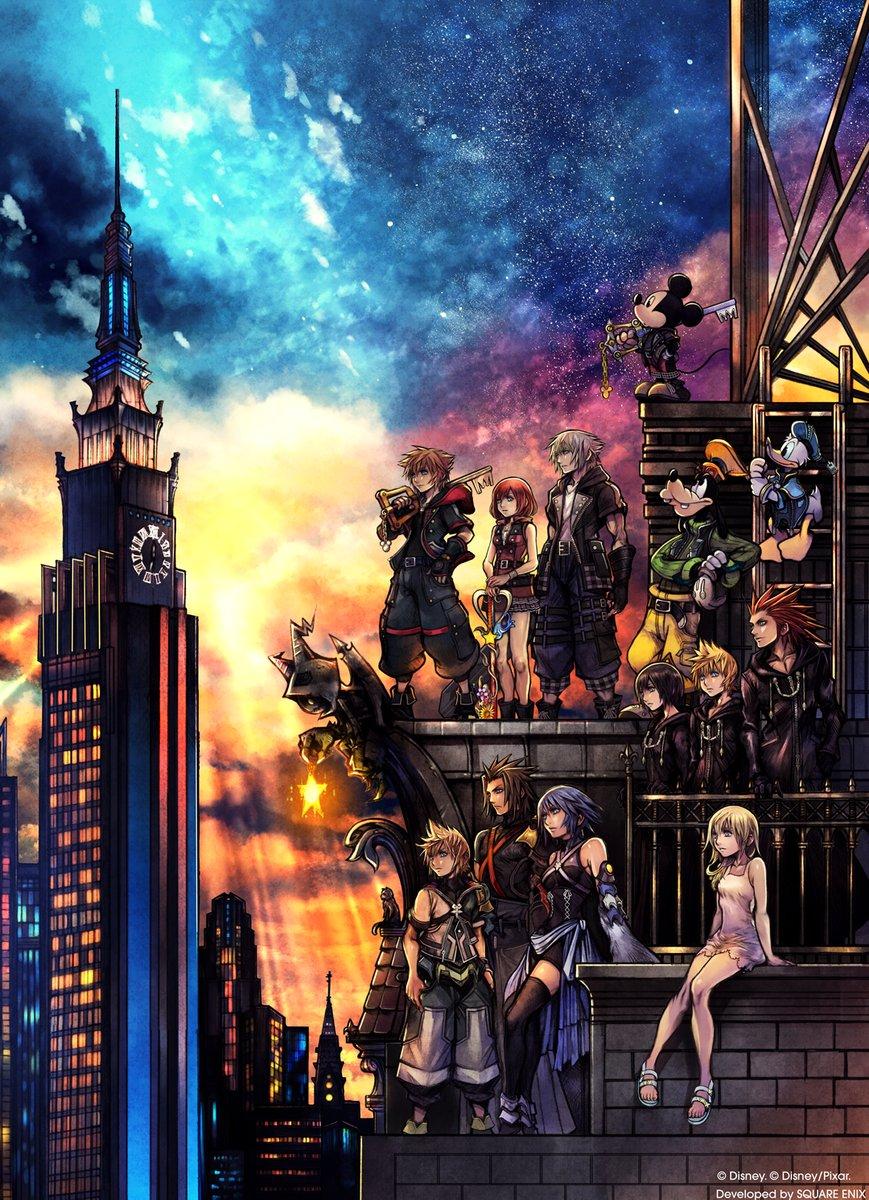
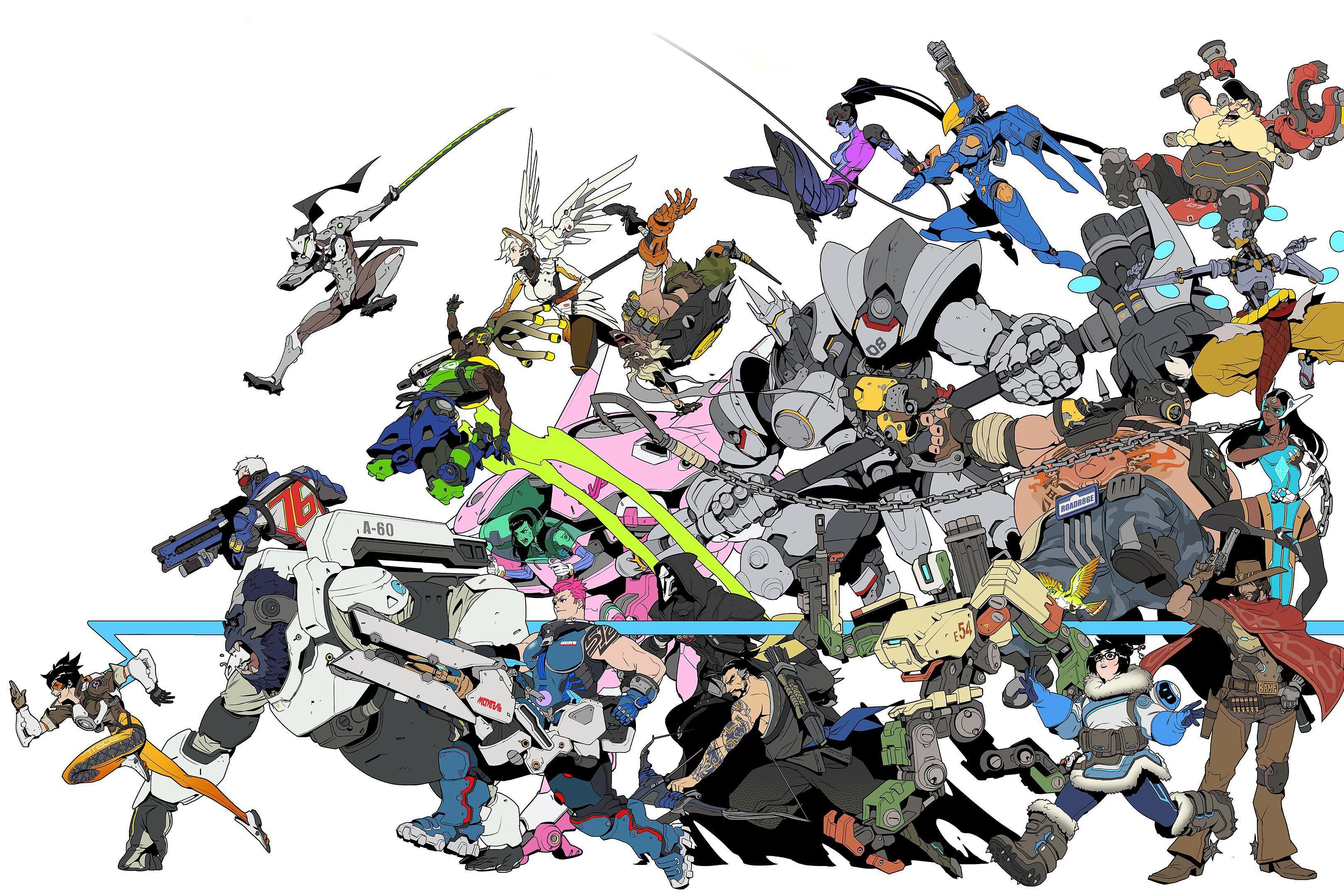
I have three obsessions:

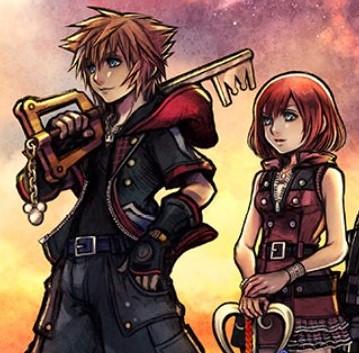
 Kingdom-Hearts-Logo.jpg dff3e0f4b125f572250a40d8612ad0ae_blizzar

SK.jpg.4e77c82db7bbc12a3ffec815879c11f6.jpg

...

unknown.jpg

DnVF3pZXsAEsTAF.jpg

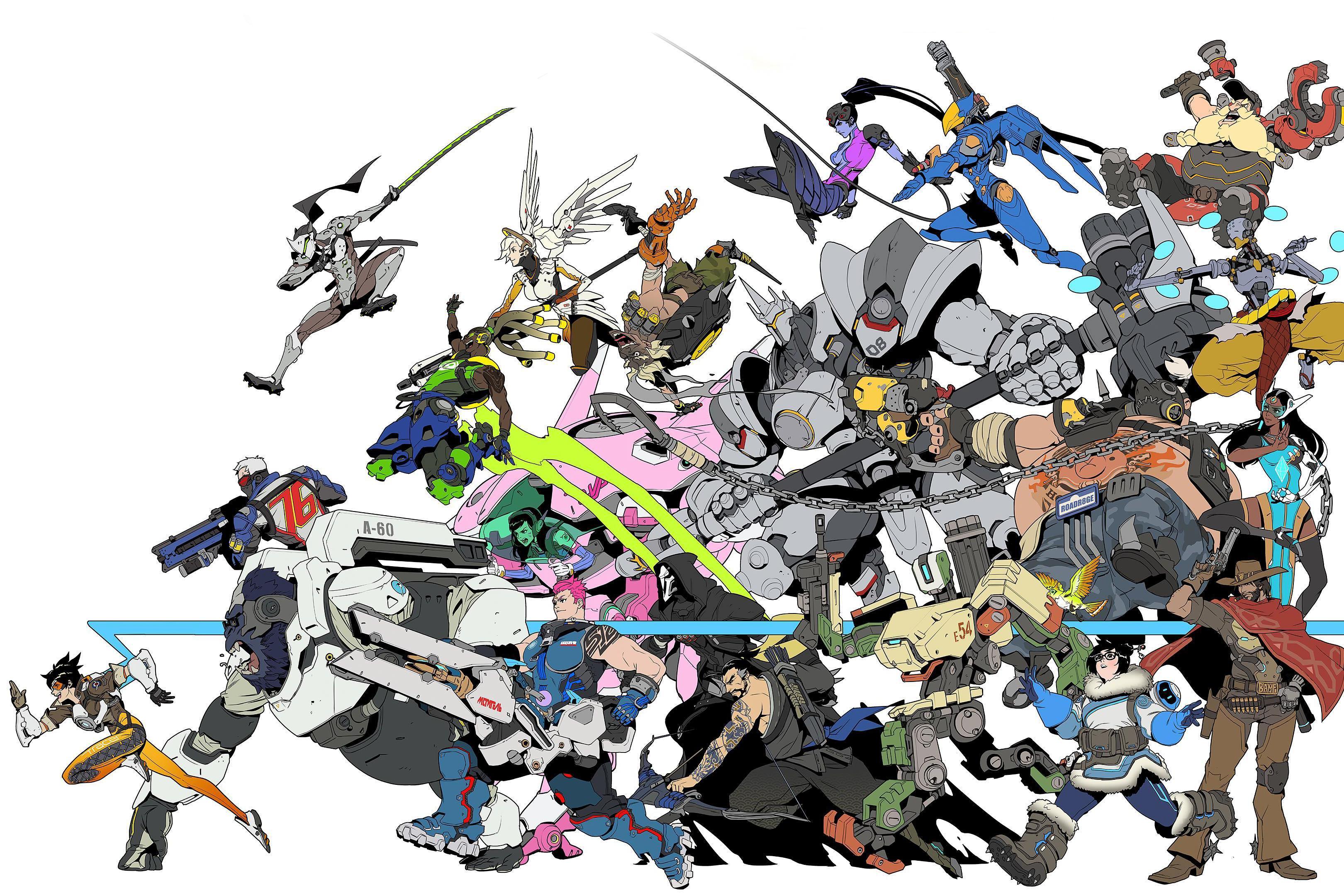
Overwatch_Visual_Source_Book_Cover.jpg

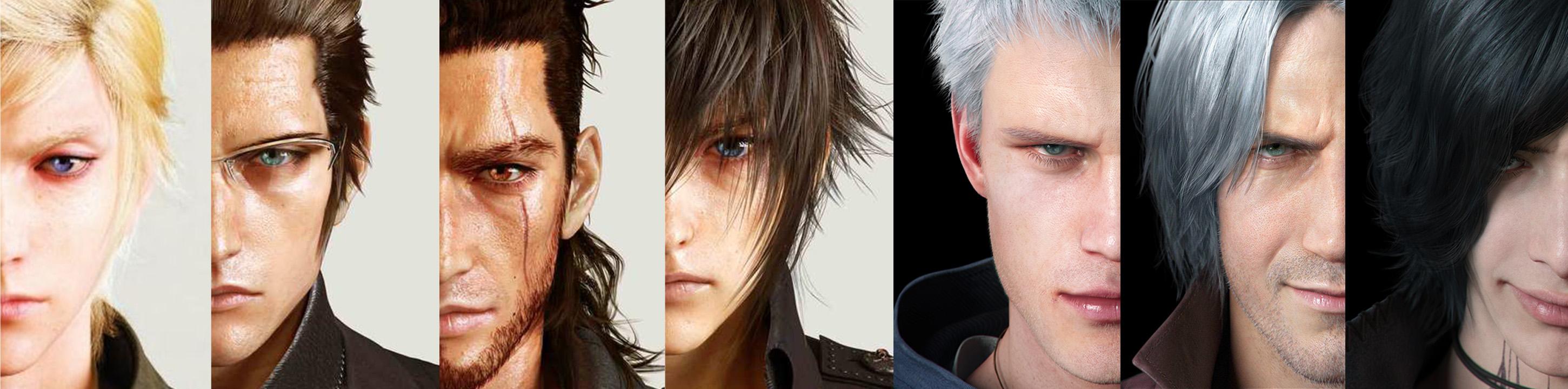
2025067622_FFXXVxDMCV.thumb.jpg.6e51b259085ece83ac6d83b4aafbaf71.jpg

FFXXV x DMCV.jpg

Configure browser push notifications

Chrome (Android)
  1. Tap the lock icon next to the address bar.
  2. Tap Permissions → Notifications.
  3. Adjust your preference.
Chrome (Desktop)
  1. Click the padlock icon in the address bar.
  2. Select Site settings.
  3. Find Notifications and adjust your preference.
Scroll to the top