




Jump to content
View in the app

A better way to browse. Learn more.

KH13 · for Kingdom Hearts

A full-screen app on your home screen with push notifications, badges and more.

To install this app on iOS and iPadOS
  1. Tap the Share icon in Safari
  2. Scroll the menu and tap Add to Home Screen.
  3. Tap Add in the top-right corner.
To install this app on Android
  1. Tap the 3-dot menu (⋮) in the top-right corner of the browser.
  2. Tap Add to Home screen or Install app.
  3. Confirm by tapping Install.

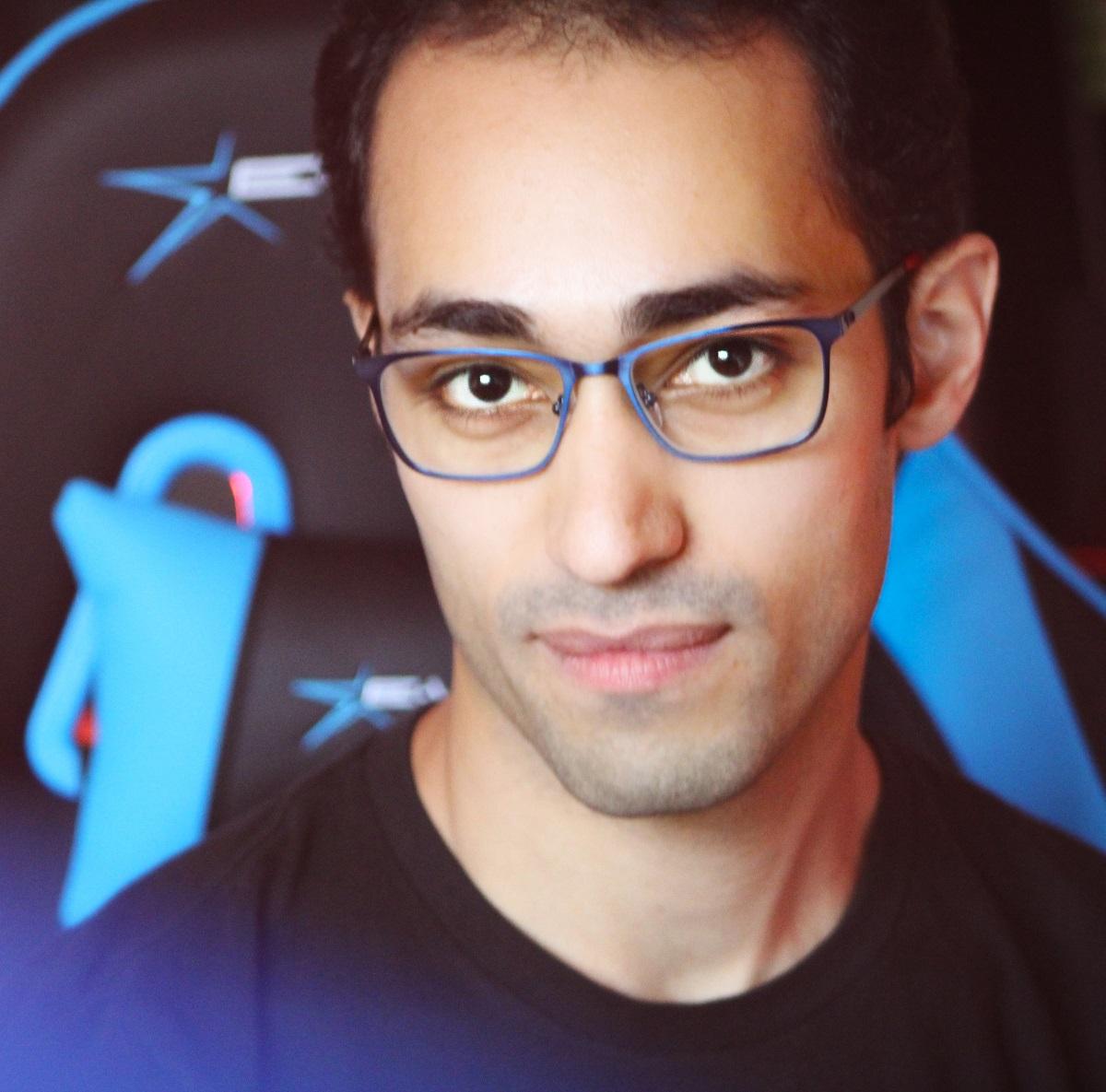
Jakejames Lugo

Verified Member
  • Joined

  • Last visited

About Me

I'm a guy who loves video games and having discussions about them! I make YouTube video reviews, vlogs, and podcast interviews for everyone to enjoy. I posted new content every week! Check it out and show some love!

JOIN MY PATREON: http://www.patreon.com/jakejameslugo

JOIN MY OPEN DISCORD SERVER: https://discord.gg/HCRde5q

WATCH ME LIVE ON TWITCH: http://www.twitch.tv/gamerswithgains 

FOLLOW ME ON SOCIAL MEDIA:
TWITTER: https://twitter.com/jakejameslugo
INSTAGRAM: https://www.instagram.com/gamerswithgains
FACEBOOK: https://www.facebook.com/OfficialJakejamesLugo/
NewJJTwitterBanner001.jpg

Configure browser push notifications

Chrome (Android)
  1. Tap the lock icon next to the address bar.
  2. Tap Permissions → Notifications.
  3. Adjust your preference.
Chrome (Desktop)
  1. Click the padlock icon in the address bar.
  2. Select Site settings.
  3. Find Notifications and adjust your preference.
Scroll to the top
