Posted August 22, 201412 yr Scroll down for the finished picture.It's not finished yet, but here is a pic I did of Rukia from Bleach.Here's the real pic I used for the reference. Hope you like it. Edited August 23, 201412 yr by Alicia Maddox
August 22, 201412 yr Alicia I didn't know you could draw! That's awesome, you really captured Rukia's scowl well- keep it up! ^^
August 22, 201412 yr Author Alicia I didn't know you could draw! :OThat's awesome, you really captured Rukia's scowl well- keep it up! ^^ Awww, thanks Ruby!. ^.^ I hope to one day be a manga artist.
August 23, 201412 yr YOU CAN DRAW!?!?!?! HOW DID I NOT KNOW OF THESE AWESOME NINJA SKILLS??? Anyways, Good job! I love it! You should do another!






Scroll down for the finished picture.

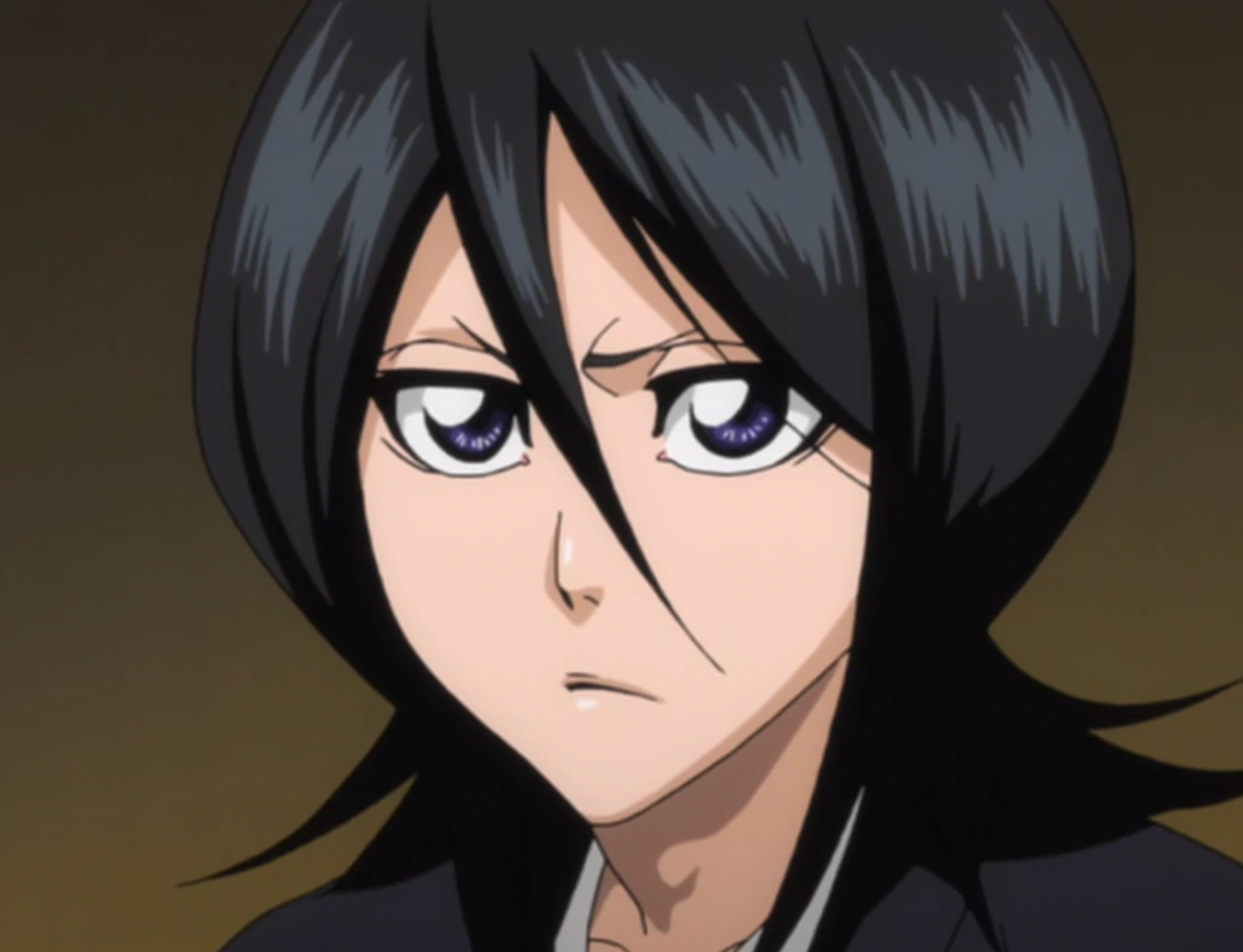

It's not finished yet, but here is a pic I did of Rukia from Bleach.
Here's the real pic I used for the reference.
Hope you like it.
Edited by Alicia Maddox