




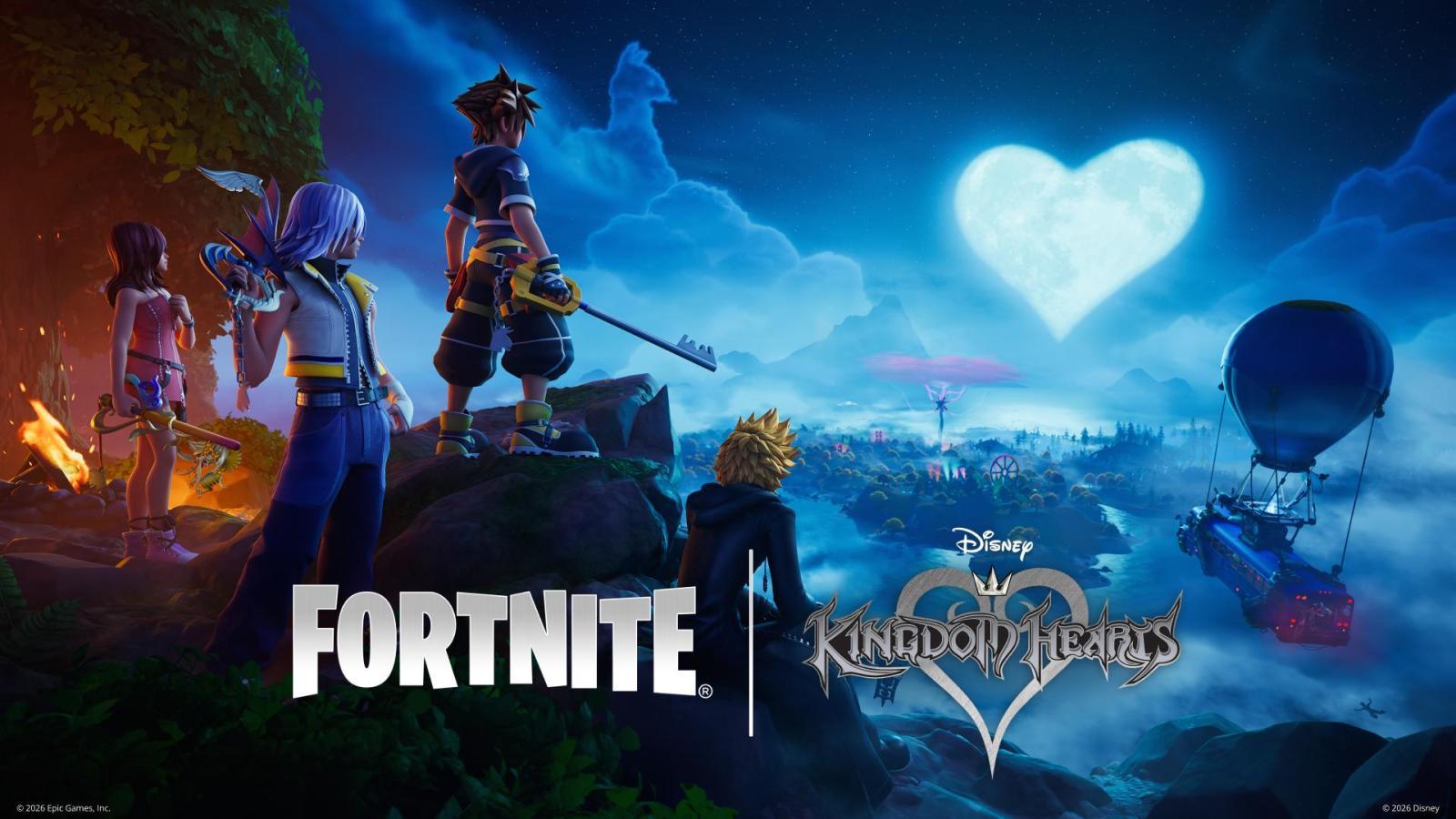

As of today, the Kingdom Hearts collaboration is officially live in Fortnite. Players who update can now open their game to see the Kingdom Hearts bundle and its related items.
Here is a full list of included items, and their price in V-Bucks:
Character Skins:
Sora - 1,800 V-Bucks
Riku - 1,600 V-Bucks
Roxas - 1,600 V-Bucks
Kairi - 1,600 V-Bucks
Pickaxe Skins:
Keyblade - 800 V-Bucks
Soul Eater - 800 V-Bucks
Destiny's Embrace - 800 V-Bucks
Oathkeeper & Oblivion - 800 V-Bucks
Emotes and Back Blings:
Keyblade Flourish - 300 V-Bucks
Lil' Gummi Ship - 500 V-Bucks
Sea-Salt Ice Cream - 400 V-Bucks
Arpeggio - 800 V-Bucks
Jam Tracks:
The Other Promise - 500 V-Bucks
Dearly Beloved - 500 V-Bucks
Vehicle Parts & Skins:
Blank Wheels - 400 V-Bucks
Gummi Ship - 2000 V-Bucks
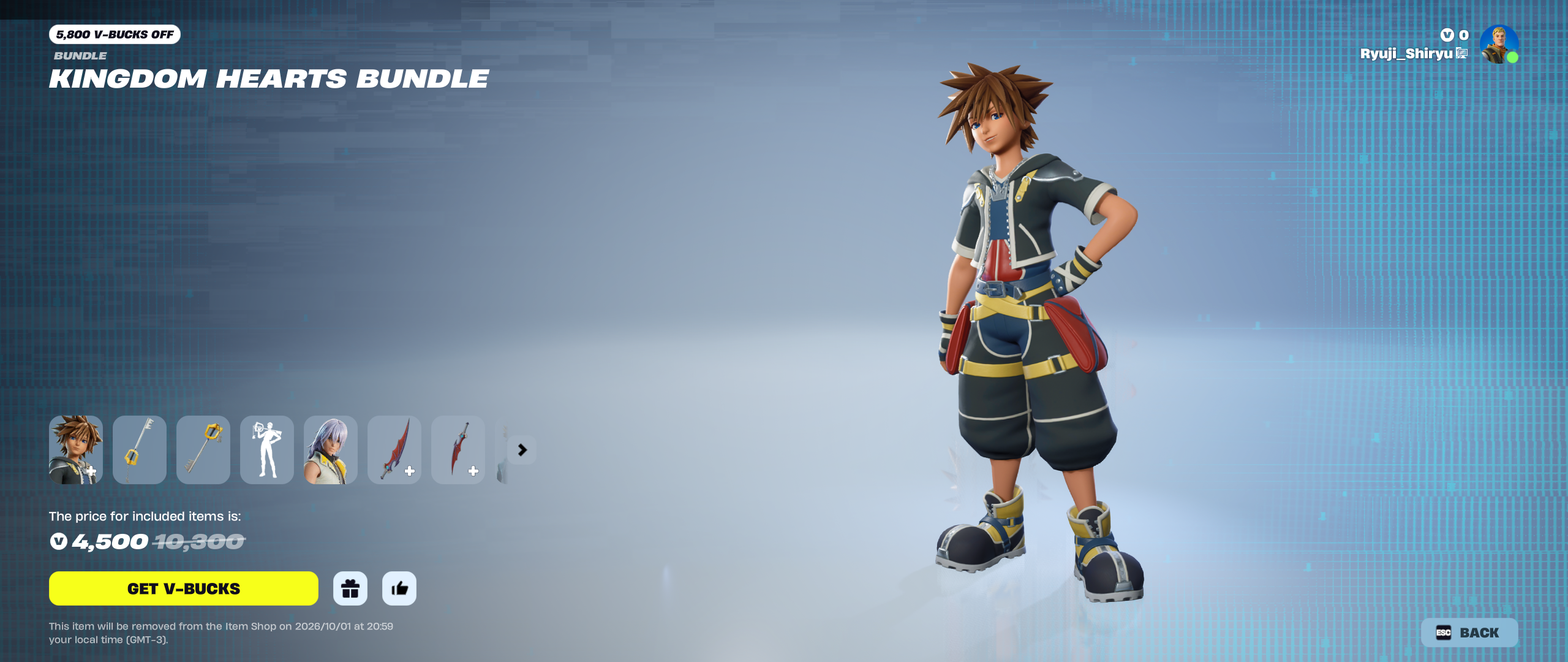
A good majority of the items are also available via the Kingdom Hearts bundle, which includes all of the items mentioned above minus the vehicle parts for 4500 V-Bucks. While the price may vary per region, in the US this prices the bundle at $36,99. Note that the bundle will only be available until October 1st, 2026, so act fast if you'd like to obtain it!
At the same time, Kingdom Hearts is also collaborating with Rocket League, which you can view more information in our article here.

Recommended Comments
Join the conversation
You can post now and register later. If you have an account, sign in now to post with your account.