





Jump to content
View in the app

A better way to browse. Learn more.

KH13 · for Kingdom Hearts

A full-screen app on your home screen with push notifications, badges and more.

To install this app on iOS and iPadOS
  1. Tap the Share icon in Safari
  2. Scroll the menu and tap Add to Home Screen.
  3. Tap Add in the top-right corner.
To install this app on Android
  1. Tap the 3-dot menu (⋮) in the top-right corner of the browser.
  2. Tap Add to Home screen or Install app.
  3. Confirm by tapping Install.

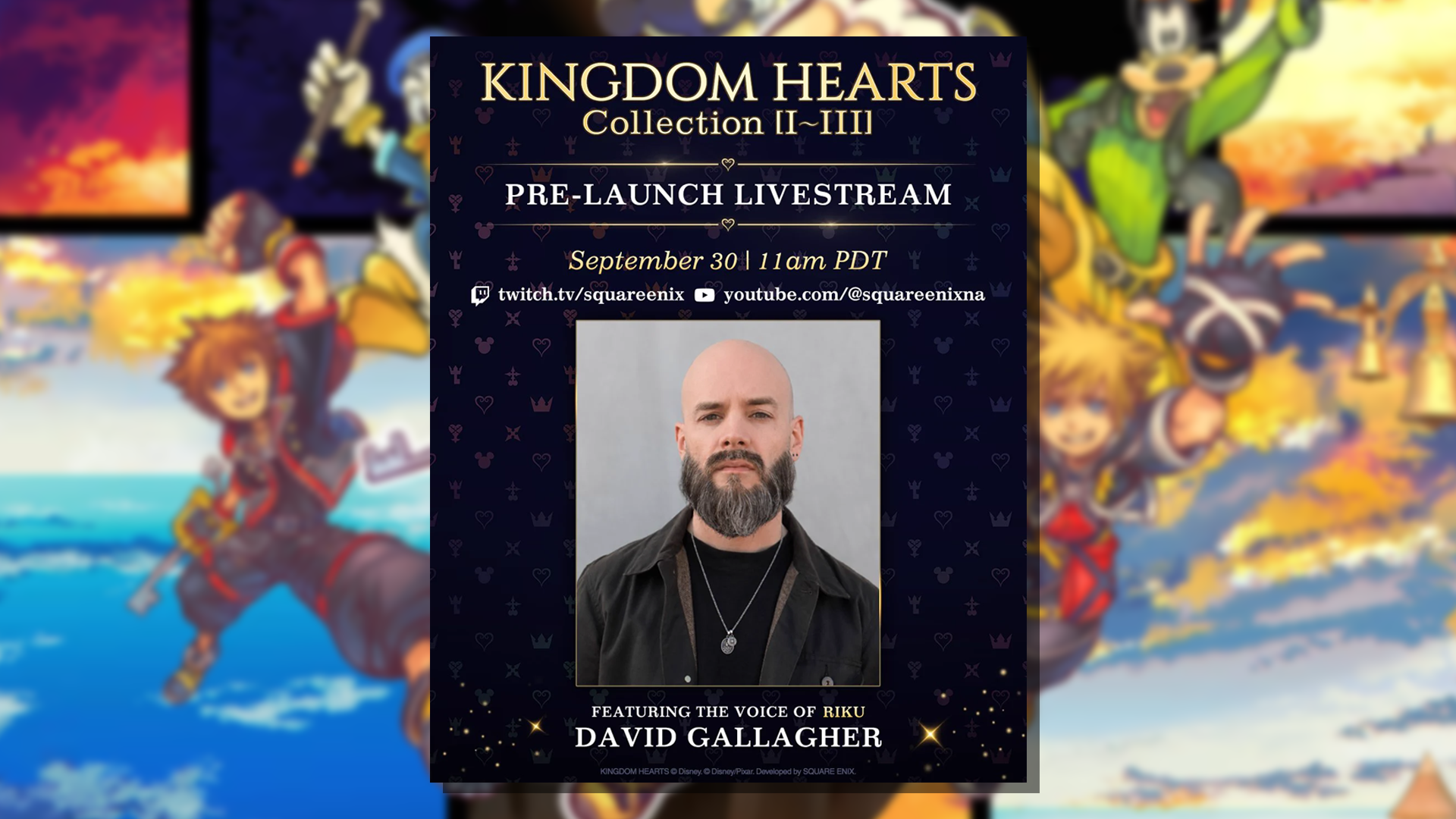
Square Enix Announces Kingdom Hearts Collection [I~III] Pre-Launch Livestream Featuring David Gallagher

Square Enix has just announced on X (formerly Twitter) that they'll be holding a pre-launch livestream for the upcoming Kingdom Hearts Collection [I~III]. The livestream is scheduled to be held on September 30 at 11 AM PDT / 12 AM MDT / 1 PM Central / 2 PM EDT / 6 PM UTC, roughly a week before the collection's release date on October 8th.

The livestream will feature David Gallagher, the voice of Riku, and fans can submit questions on the original tweet's replies that can be potentially answered by him on stream.

User Feedback

Recommended Comments

There are no comments to display.

Join the conversation

You can post now and register later. If you have an account, sign in now to post with your account.

Guest
Add a comment...

Configure browser push notifications

Chrome (Android)
  1. Tap the lock icon next to the address bar.
  2. Tap Permissions → Notifications.
  3. Adjust your preference.
Chrome (Desktop)
  1. Click the padlock icon in the address bar.
  2. Select Site settings.
  3. Find Notifications and adjust your preference.
Scroll to the top