Jump to content
View in the app

A better way to browse. Learn more.

KH13 · for Kingdom Hearts

A full-screen app on your home screen with push notifications, badges and more.

To install this app on iOS and iPadOS
  1. Tap the Share icon in Safari
  2. Scroll the menu and tap Add to Home Screen.
  3. Tap Add in the top-right corner.
To install this app on Android
  1. Tap the 3-dot menu (⋮) in the top-right corner of the browser.
  2. Tap Add to Home screen or Install app.
  3. Confirm by tapping Install.

Ultima Weapon

Verified Member
  • Joined

  • Last visited

  1. Ultima Weapon posted a status update

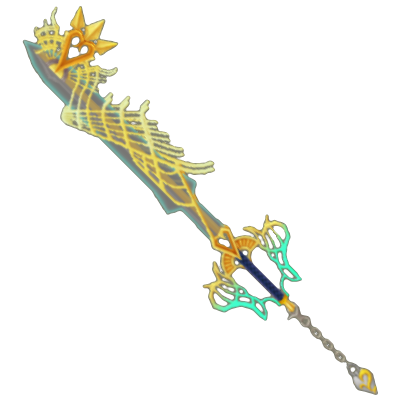
    Which one is your favorite Keyblade?

  2. Pretium left a comment on Ultima Weapon's profile

    Thank You For The Add!!

  3. Pretium left a comment on Ultima Weapon's profile

    I Can See You Want KH III On PS3, :), We Have Something In Common

    Pretium replied

    How Do YOu Feel About A Crossover HD COllection For Vita, And PS3??

    Ultima Weapon replied

    he he I love the idea

    Pretium replied

    My Brethren, :D

  4. Ultima Weapon posted a status update

    What is the taste of a paopu fruit?

    Ultima Weapon replied

    these are complicated flavors indeed

    Snow replied

    Nope, just tasted one. It tastes like bleach... guys.... I'm feeling a little sick... *passes out*

    Ultima Weapon replied

    I always thought it would taste like kiwi hehe

  5. Ultima Weapon posted a status update

    Sora, don't ever change.

    143436611Xxcc replied

    I think Nomura took that line to far... I mean in like every KH game he is in his KH1 outfit -_-
    fahaad bandar replied

    me to i love it

    Pretium replied

    Just Your Clothes, Ha Ha

Configure browser push notifications

Chrome (Android)
  1. Tap the lock icon next to the address bar.
  2. Tap Permissions → Notifications.
  3. Adjust your preference.
Chrome (Desktop)
  1. Click the padlock icon in the address bar.
  2. Select Site settings.
  3. Find Notifications and adjust your preference.
Scroll to the top