Jump to content
View in the app

A better way to browse. Learn more.

KH13 · for Kingdom Hearts

A full-screen app on your home screen with push notifications, badges and more.

To install this app on iOS and iPadOS
  1. Tap the Share icon in Safari
  2. Scroll the menu and tap Add to Home Screen.
  3. Tap Add in the top-right corner.
To install this app on Android
  1. Tap the 3-dot menu (⋮) in the top-right corner of the browser.
  2. Tap Add to Home screen or Install app.
  3. Confirm by tapping Install.

zekiro heat-haze

Verified Member
  • Joined

  • Last visited

  1. zekiro heat-haze posted a status update

    first dead

    Ruby Rose replied

    Well that's unfortunate >.>

  2. Danex Darkfire + left a comment on zekiro heat-haze's profile

    Drink the piña colada

    why are you so freaking obssessed with the piña colada?!


  3. zekiro heat-haze posted a status update

    say of the day: there is always one who knows all the sides of the story even if it wasnt on it

  4. zekiro heat-haze posted a status update

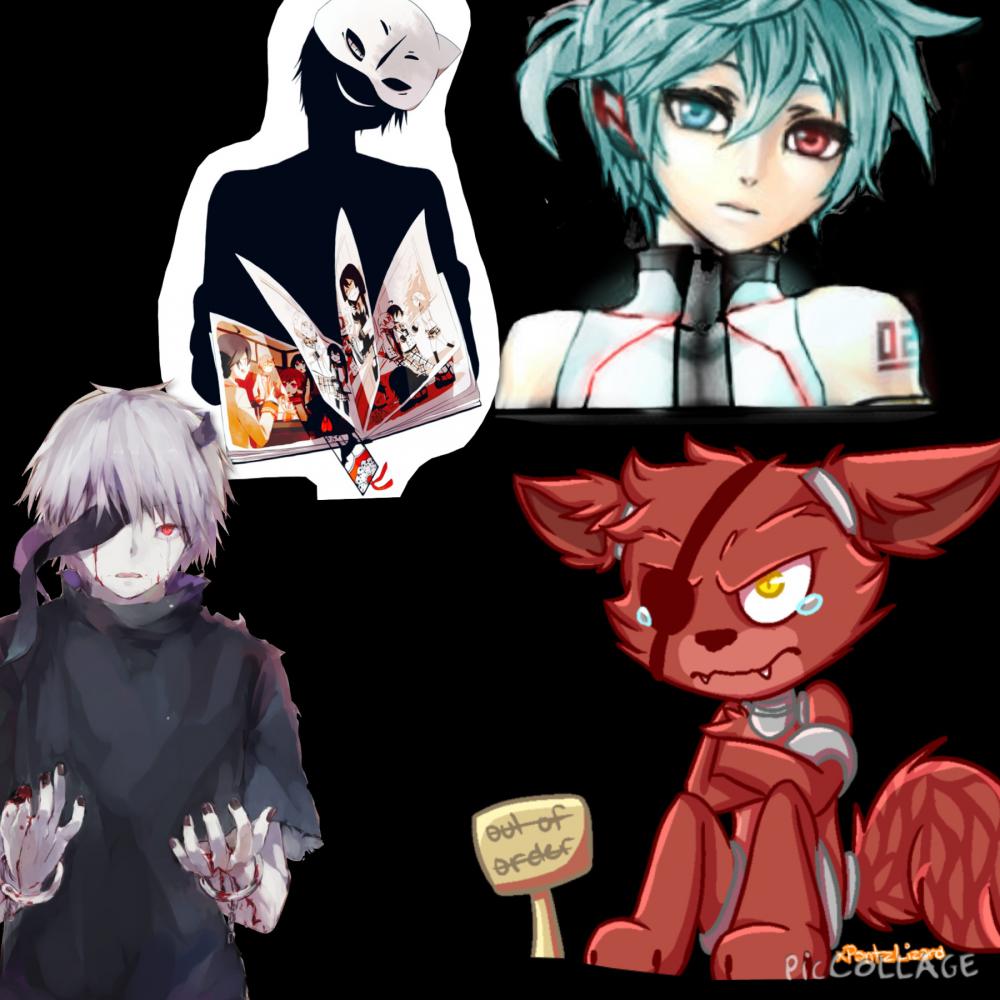
    for anyone who knoos the kagerou project: Jin´s new album is here Mekaku city Record!

    ReikuSSR replied

    I've read the manga, I would like to get more into it.

    i think that is better to watch the songs because they sometimes give you extra info. or even the PV tells something like in heat-haze days there is a theory that Azami is the black cat.


  5. zekiro heat-haze posted a status update

    ok!

  6. zekiro heat-haze posted a status update

    i am going to meet a film producer!

    Zola replied

    You will have to tell us what it is called if it gets made into a movie! That is extremely exciting!

    Geralt replied

    That is so cool! :D

  7. zekiro heat-haze posted a status update

    i am going to meet a film producer!

  8. zekiro heat-haze posted a status update

Configure browser push notifications

Chrome (Android)
  1. Tap the lock icon next to the address bar.
  2. Tap Permissions → Notifications.
  3. Adjust your preference.
Chrome (Desktop)
  1. Click the padlock icon in the address bar.
  2. Select Site settings.
  3. Find Notifications and adjust your preference.
Scroll to the top