Jump to content
View in the app

A better way to browse. Learn more.

KH13 · for Kingdom Hearts

A full-screen app on your home screen with push notifications, badges and more.

To install this app on iOS and iPadOS
  1. Tap the Share icon in Safari
  2. Scroll the menu and tap Add to Home Screen.
  3. Tap Add in the top-right corner.
To install this app on Android
  1. Tap the 3-dot menu (⋮) in the top-right corner of the browser.
  2. Tap Add to Home screen or Install app.
  3. Confirm by tapping Install.

CatMaskMerchant

Verified Member
  • Joined

  • Last visited

  1. CatMaskMerchant posted a status update

    Swiggity swire Axels on fire

    CatMaskMerchant replied

    All was good until the Moon region attacked.

    CatMaskMerchant replied

    haha swiggity swusk to bad shes a dusk

    CatMaskMerchant replied

    piper fiber look we got a sniper

  2. CatMaskMerchant posted a status update

    MIAOU ^u^

    OthersiderME replied

    yes. find the aries card, you know it to be true.

  3. CatMaskMerchant posted a status update

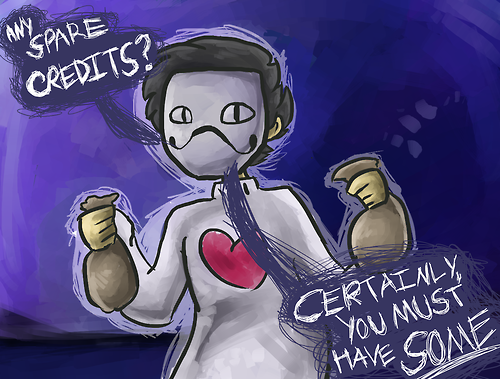
    Do you guys have any credits you could spare for a poor young merchant?

Configure browser push notifications

Chrome (Android)
  1. Tap the lock icon next to the address bar.
  2. Tap Permissions → Notifications.
  3. Adjust your preference.
Chrome (Desktop)
  1. Click the padlock icon in the address bar.
  2. Select Site settings.
  3. Find Notifications and adjust your preference.
Scroll to the top