




Jump to content
View in the app

A better way to browse. Learn more.

KH13 · for Kingdom Hearts

A full-screen app on your home screen with push notifications, badges and more.

To install this app on iOS and iPadOS
  1. Tap the Share icon in Safari
  2. Scroll the menu and tap Add to Home Screen.
  3. Tap Add in the top-right corner.
To install this app on Android
  1. Tap the 3-dot menu (⋮) in the top-right corner of the browser.
  2. Tap Add to Home screen or Install app.
  3. Confirm by tapping Install.

Creepner

Verified Member
  • Joined

  • Last visited

  1. Was just wondering did many people get to pre-order the collectors edition on amazon.co.uk, before it became unavailable !
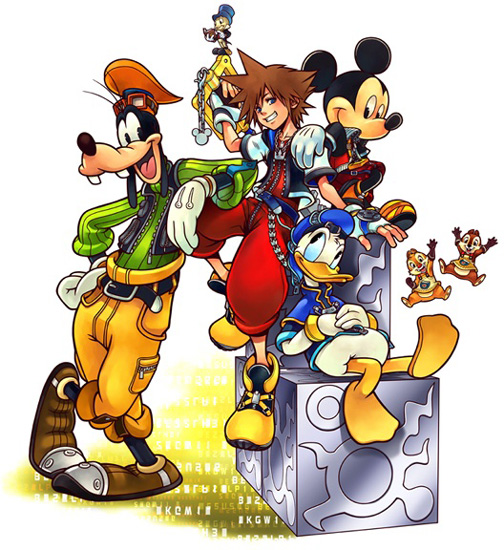
  2. Correct me if I'm wrong but are all the screenshots from the new or remastered scenes in re:coded, also the pin is derived from the box art of coded(see attached). Is is possible that this is just a "Re:coded limited edition". I find it hard to believe that this is all we are getting, after all the survey was put out to everyone. First Post :biggrin:

Configure browser push notifications

Chrome (Android)
  1. Tap the lock icon next to the address bar.
  2. Tap Permissions → Notifications.
  3. Adjust your preference.
Chrome (Desktop)
  1. Click the padlock icon in the address bar.
  2. Select Site settings.
  3. Find Notifications and adjust your preference.
Scroll to the top
