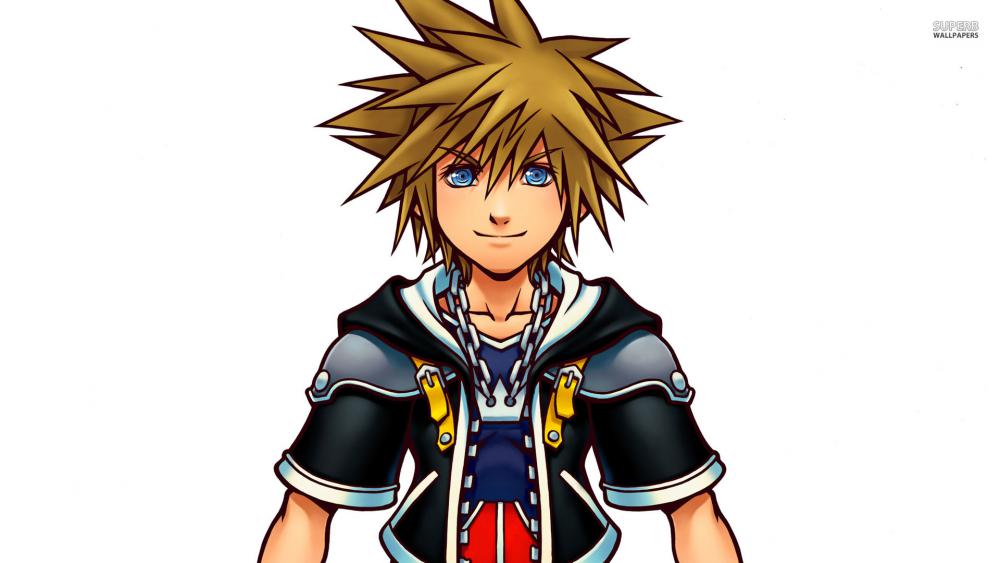
SolidSnake
-
Joined
-
Last visited
-
hi! thank you for being my friend ; v ;
gingienator repliedit is! but sometimes it could be hard to find some fans who like the same things

oh and no need to thank me!
SolidSnake repliedI know how it feels
 the friend who got me into it despises every handheld game, while I liked 358/2 Days and Dream Drop Distance alot... When did you get into the series? Kingdom Hearts is like the game series that's never ever left my interests. It's just so good.
I can't wait for Kingdom Hearts 3. I hope everyone gets a happy ending.
gingienator repliedyup . _ .
oh I got into the series around 2004 or 2005 when I went over to visit my older cousin. she showed me what Kingdom Hearts was and well since I saw Disney characters, I got so excited just seeing that there were some of my favorite classic Disney movies. I never actually played the first one until Kingdom Hearts II came out and I remember seeing it because of my cousin and then I started getting the others too and I became such a fan of it ever since

and same here! c...
-
Thanks for the friend request!
Josuke Higashikata repliedI see! Are you planning on having a Solid Snake avatar, or are you leaving it as Sora?
SolidSnake repliedI might, Idk yet. It would be nice to have a variety since I'm not the only one with a Sora avatar.