Jump to content
View in the app

A better way to browse. Learn more.

KH13 · for Kingdom Hearts

A full-screen app on your home screen with push notifications, badges and more.

To install this app on iOS and iPadOS
  1. Tap the Share icon in Safari
  2. Scroll the menu and tap Add to Home Screen.
  3. Tap Add in the top-right corner.
To install this app on Android
  1. Tap the 3-dot menu (⋮) in the top-right corner of the browser.
  2. Tap Add to Home screen or Install app.
  3. Confirm by tapping Install.

Dr_Bowessarth

Verified Member
  • Joined

  • Last visited

Everything posted by Dr_Bowessarth

  1. Hi Dr. Bowessarth here I would love to join the team, but i'm not the best at writing. I do keep checking for new info on KHUx whenever possible and I've played through everything KH game except for coded and khx (but I've played recoded and am LOVING KHUx) i would love to help out the community of KH and I am learning Japanese at the moment. It would be an honor to work for the kh community and I would gladly volunteer for anything I can help with. (I'll try to get an essay I recently wrote for a story asap)
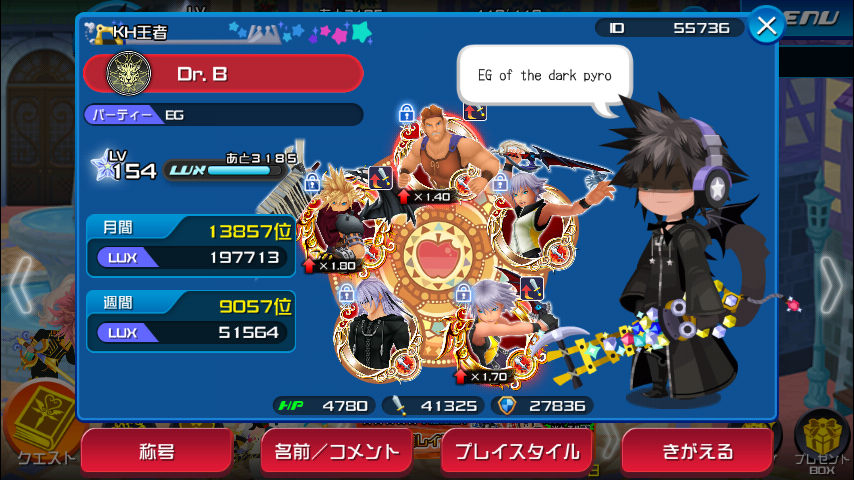
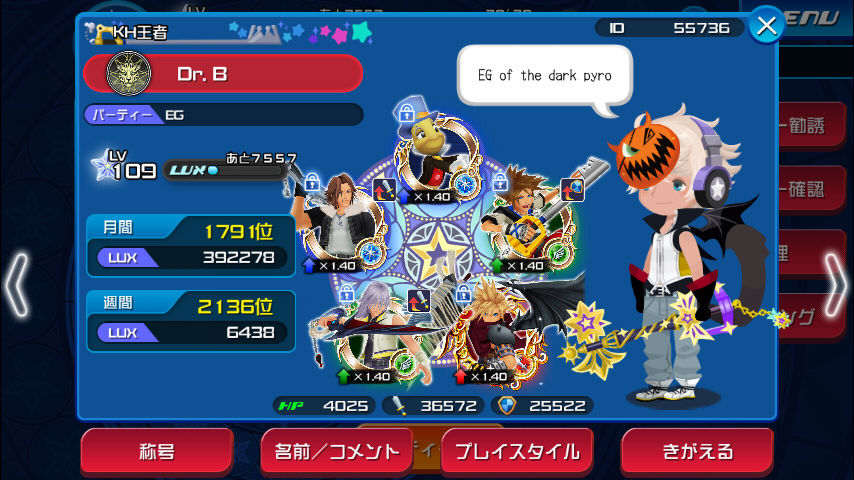
  2. Im recruiting for EG in KHUX if anyone is interested. I dont change my avatar that much at all.
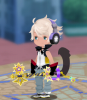
  3. Shield if I had 20 dollars I would love that but idk how I would pay you and also you know what my char looks like already because of the team -Dr. B I need to change my profile pic to match my current character lol
Configure browser push notifications

Chrome (Android)
  1. Tap the lock icon next to the address bar.
  2. Tap Permissions → Notifications.
  3. Adjust your preference.
Chrome (Desktop)
  1. Click the padlock icon in the address bar.
  2. Select Site settings.
  3. Find Notifications and adjust your preference.
Scroll to the top