Jump to content
View in the app

A better way to browse. Learn more.

KH13 · for Kingdom Hearts

A full-screen app on your home screen with push notifications, badges and more.

To install this app on iOS and iPadOS
  1. Tap the Share icon in Safari
  2. Scroll the menu and tap Add to Home Screen.
  3. Tap Add in the top-right corner.
To install this app on Android
  1. Tap the 3-dot menu (⋮) in the top-right corner of the browser.
  2. Tap Add to Home screen or Install app.
  3. Confirm by tapping Install.

ocean's rage

Member
  • Joined

  • Last visited

Everything posted by ocean's rage

  1. that'd be nice
  2. yes cause they're OP jrpg characters
  3. going by their history, I'd say no
  4. I'd be surprised if he was the first FF13 character to get in
  5. who's that?
  6. ok which language do you play the game in, I might be able to find out where they're called
  7. in order to unlock it you need to find all of the Xehanort's Reports. also I think it's unavailable in the lowest difficulty setting
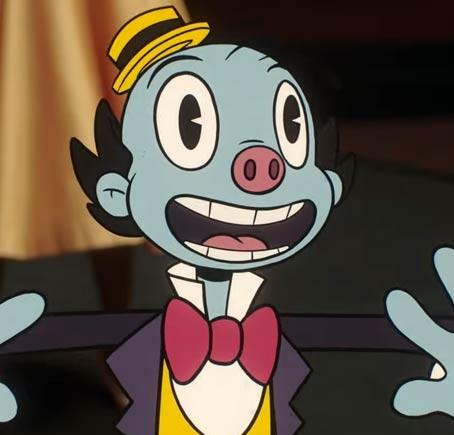
  8. Normua did a good job of mimicking Burton's style
  9. perhaps it's an unused design
  10. They're aren't exclusive to events, that's my point. characters who are added in can be accessed at any time
  11. I would recommend making sure to reflect his projectiles back
  12. the bad guy from FF15
  13. do you think the characters in Dreamlight Valley are exclusive to the events?
  14. it should be able to run the original KH2FM not the HD one
  15. as someone with a lot of pokemon plush I understand what you're going through
  16. the nobodies are bodies and the heartless are hearts
  17. I would like to echo this sentiment
  18. nah the game was too early in development when it was revealed to have been majorly affected
  19. you'll come to terms with it eventually
  20. as someone who swings both ways I'd say no
  21. Sora is like Samus Aran as both their power sets constantly get reset

Configure browser push notifications

Chrome (Android)
  1. Tap the lock icon next to the address bar.
  2. Tap Permissions → Notifications.
  3. Adjust your preference.
Chrome (Desktop)
  1. Click the padlock icon in the address bar.
  2. Select Site settings.
  3. Find Notifications and adjust your preference.
Scroll to the top