





KinoKey
Verified Member
-
Joined
-
Last visited
Everything posted by KinoKey
-
 why don't we have a :JustinYES: emote?
Jeezums...some people in the replies..
Those ps5 orders are dropping at the worst time cuz it's only during my shift at work..
current project I'm working on. it'll look better when rendered in Cycles
aaannnd it's clipping through his sleeve...fml.
I'm cancelling Calling is just as good for some TWEWY rep.
If I can have "Someday" too I would just die.
PERFECT
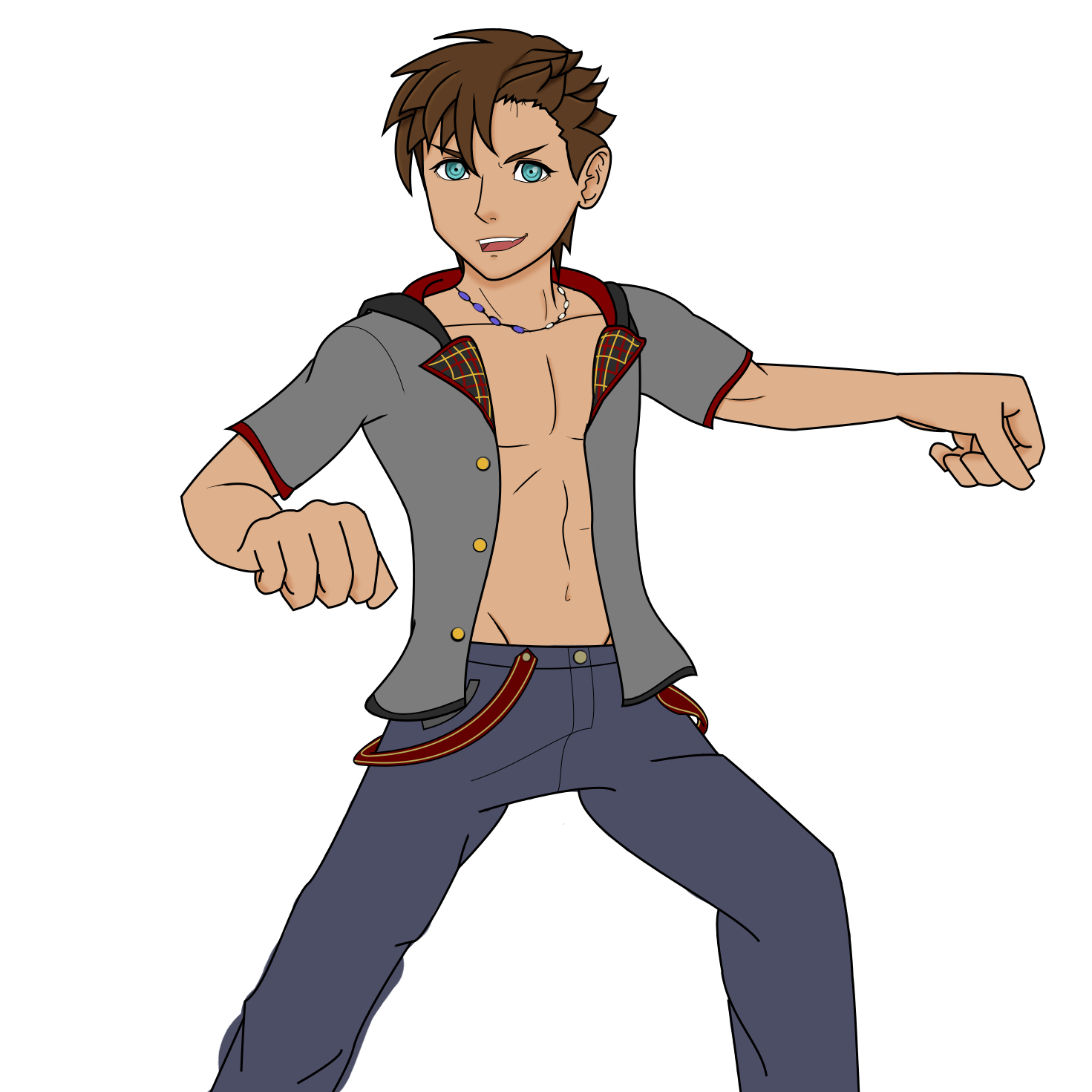
Its supposed to be Baldr from Dark Road. (it's bad I know)
I just love his design. 'Bout time we have someone rival Marluxia in fabulous hair.
Yeah. But it's hard to just not buy one knowing what games are coming.
I'm still really hesitant to get a ps5. I don't want to buy one and then some time later an enhanced version comes out.
why don't we have a :JustinYES: emote?
Jeezums...some people in the replies..
Those ps5 orders are dropping at the worst time cuz it's only during my shift at work..
current project I'm working on. it'll look better when rendered in Cycles
aaannnd it's clipping through his sleeve...fml.
I'm cancelling Calling is just as good for some TWEWY rep.
If I can have "Someday" too I would just die.
PERFECT
Its supposed to be Baldr from Dark Road. (it's bad I know)
I just love his design. 'Bout time we have someone rival Marluxia in fabulous hair.
Yeah. But it's hard to just not buy one knowing what games are coming.
I'm still really hesitant to get a ps5. I don't want to buy one and then some time later an enhanced version comes out.
Account
Search
Configure browser push notifications
Chrome (Android)
- Tap the lock icon next to the address bar.
- Tap Permissions → Notifications.
- Adjust your preference.
Chrome (Desktop)
- Click the padlock icon in the address bar.
- Select Site settings.
- Find Notifications and adjust your preference.
Safari (iOS 16.4+)
- Ensure the site is installed via Add to Home Screen.
- Open Settings App → Notifications.
- Find your app name and adjust your preference.
Safari (macOS)
- Go to Safari → Preferences.
- Click the Websites tab.
- Select Notifications in the sidebar.
- Find this website and adjust your preference.
Edge (Android)
- Tap the lock icon next to the address bar.
- Tap Permissions.
- Find Notifications and adjust your preference.
Edge (Desktop)
- Click the padlock icon in the address bar.
- Click Permissions for this site.
- Find Notifications and adjust your preference.
Firefox (Android)
- Go to Settings → Site permissions.
- Tap Notifications.
- Find this site in the list and adjust your preference.
Firefox (Desktop)
- Open Firefox Settings.
- Search for Notifications.
- Find this site in the list and adjust your preference.
