Jump to content
View in the app

A better way to browse. Learn more.

KH13 · for Kingdom Hearts

A full-screen app on your home screen with push notifications, badges and more.

To install this app on iOS and iPadOS
  1. Tap the Share icon in Safari
  2. Scroll the menu and tap Add to Home Screen.
  3. Tap Add in the top-right corner.
To install this app on Android
  1. Tap the 3-dot menu (⋮) in the top-right corner of the browser.
  2. Tap Add to Home screen or Install app.
  3. Confirm by tapping Install.

What video games are you currently playing?

  • Replies 202
  • Views 26.5k
  • Created
  • Last Reply

Top Posters In This Topic

Most Popular Posts

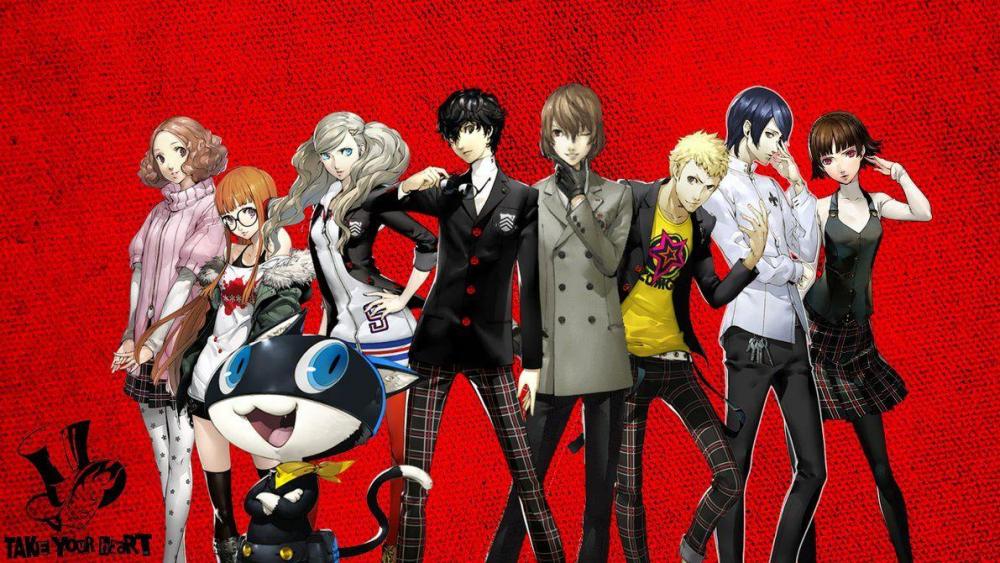
  • I'm playing Persona 5 at the moment. I'm gonna go for the plat, too!!!

  • Sound Shapes & Scott Pilgrim Vs The World

  • Krystalized
    Krystalized

    Digimon, ah yes. You reminded me about this game, I want to finish it too,  but now I'm kinda busy with raising slimes in Slimer Rancher I got on https://slimeranchergame.net/ and some occasional  ses

Posted Images

Featured Replies

  • Author

I was playing thru the Mega Man Legacy Collection, but I took a break to finally beat RE1. I'm following the trophy guide and started a Very Easy knife only run with Chris Redfield, about to fight Yawn (snake) for the first time.

After I platinum Resident Evil 1 HD, I plan to resume my Mega Man playthrough. I also need to platinum both Assassin's Creed IV: Black Flag and Horizon: Zero Dawn, and start playing the Klonoa Phantasy Reverie Series as well.

  • 3 weeks later...

My approach to gaming is quite simple I don't try to "beat the system," but simply enjoy the process. Therefore, it's important to me that the platform doesn't interfere. I used to often encounter websites that were overloaded or unstable. Now I play most often on wageon games. Everything there is quite calm: a normal interface, stable operation, and clear logic. Plus, it's convenient that you can quickly switch between games. This saves time and makes the process more enjoyable.

Join the conversation

You can post now and register later. If you have an account, sign in now to post with your account.

Guest
Reply to this topic...

Configure browser push notifications

Chrome (Android)
  1. Tap the lock icon next to the address bar.
  2. Tap Permissions → Notifications.
  3. Adjust your preference.
Chrome (Desktop)
  1. Click the padlock icon in the address bar.
  2. Select Site settings.
  3. Find Notifications and adjust your preference.
Scroll to the top