Crashrobot55
Verified Member
-
Joined
-
Last visited
Everything posted by Crashrobot55
-

-
i'll be 14 tomorrow
-
-
yes i have
-
-
Happy birthday to the two of you man!
-
So there are two people who's birthday is five days before mine? Well happy birthday hope you enjoy it.
-
Fairy Tail- Natsu/Gray
-
Isaiah. I think that's pretty normal
-
True
-
It was good though
-
-
This hour can't pass fast enough
-
all i got was a R+ Simba
-
-
So far out of the three worlds mine would have to be Wonderland
-
My sister just asked if KH stands for Kingdom Hearts. I told her it stands for killing horses.
-
Update


-
I picked the cobras
-
ok thanks
-
Random R+ Valor Form Sora just pops into my gift box. I have no problem with this at all.
-
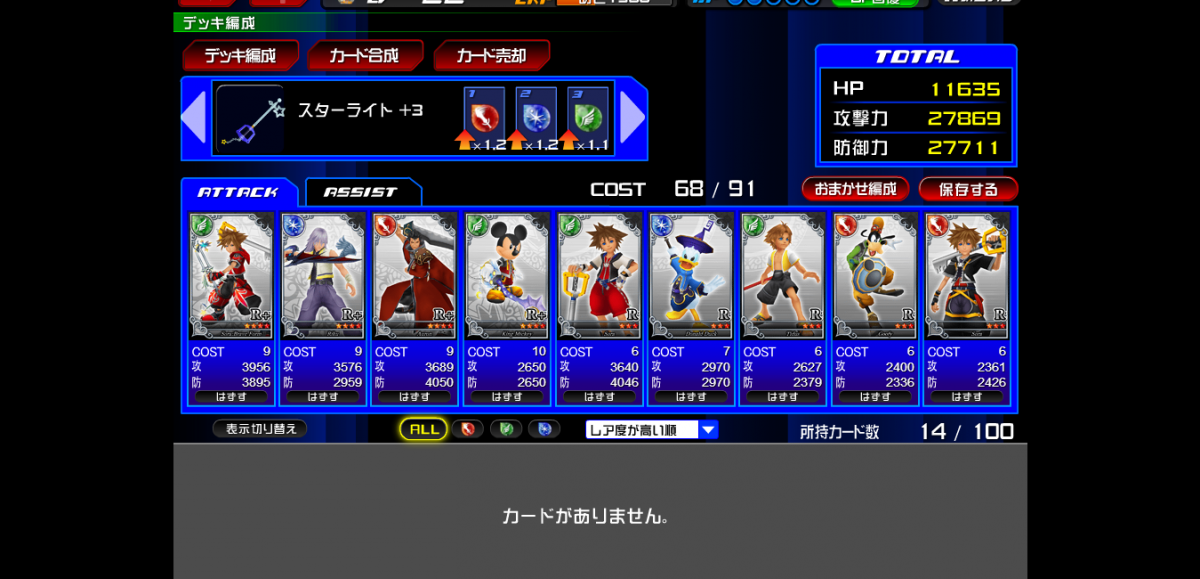
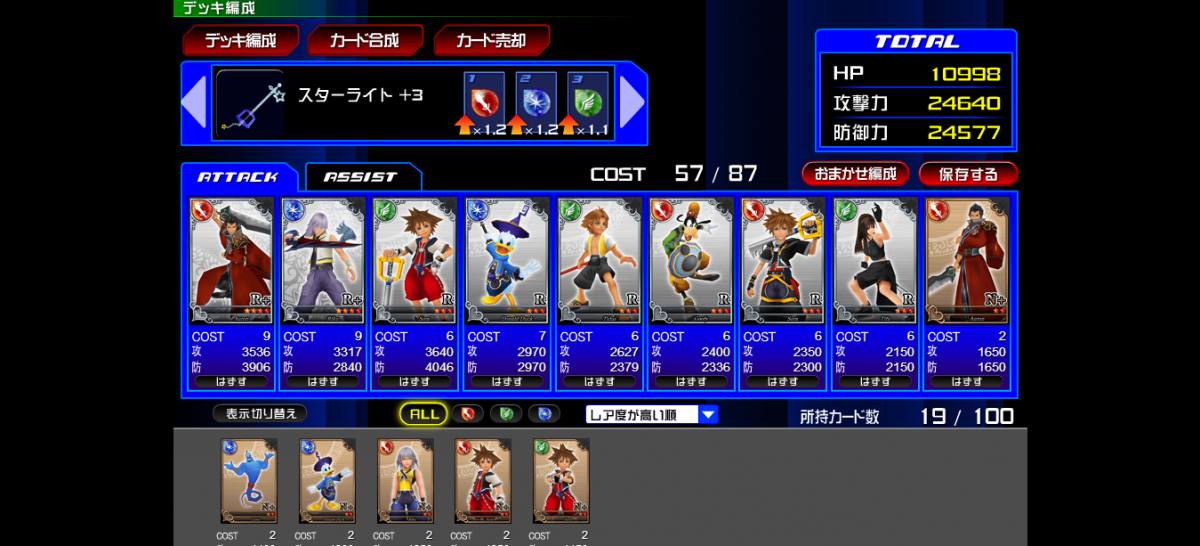
Here it is. Just started two days ago

-
I wish people were actually helping me
-
That moment when you're the only person fighting the raid boss.
-
Well Funimation is going to start making more episodes and the anime is starting back