James Hoban
Verified Member
-
Joined
-
Last visited
-
-
-
-
-
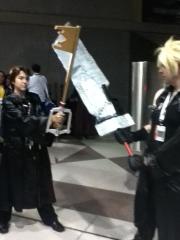 I place my bet on Kingdom Hearts.
 -
-
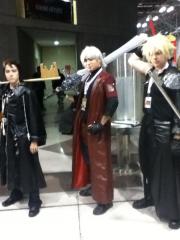
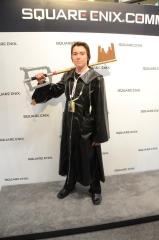 This was the photo i was talking about in my update status.
 -
The New York Comic Con 2012 was amazing! I'll post a picture of me getting my picture taken by a Square-Enix employee in wallpapers. (Cause I don't know where else to put it.)
-
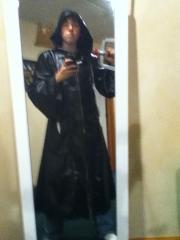 sorry if it is alittle blurry.
 -
it's what the title says. hope you like it. comment if you will be at the New York Comic Con 2012.
© James Hoban
-
Uploaded my kingdom key D in wallpapers in fan made images. Check it out! (didn't know where else to put it)
-
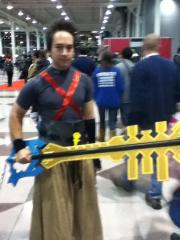
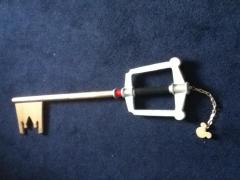 My Kingdom Key D. It's life size and awesome! Going to bring it to the New York Comic Con 2012!
© James Hoban
-
-
-
Unless they are heartless or nobodies!!!
-
Thanks for the help, I will get back to you if I unlock it.
-
Thank you all for welcoming me!!!!