




Jump to content
View in the app

A better way to browse. Learn more.

KH13 · for Kingdom Hearts

A full-screen app on your home screen with push notifications, badges and more.

To install this app on iOS and iPadOS
  1. Tap the Share icon in Safari
  2. Scroll the menu and tap Add to Home Screen.
  3. Tap Add in the top-right corner.
To install this app on Android
  1. Tap the 3-dot menu (⋮) in the top-right corner of the browser.
  2. Tap Add to Home screen or Install app.
  3. Confirm by tapping Install.

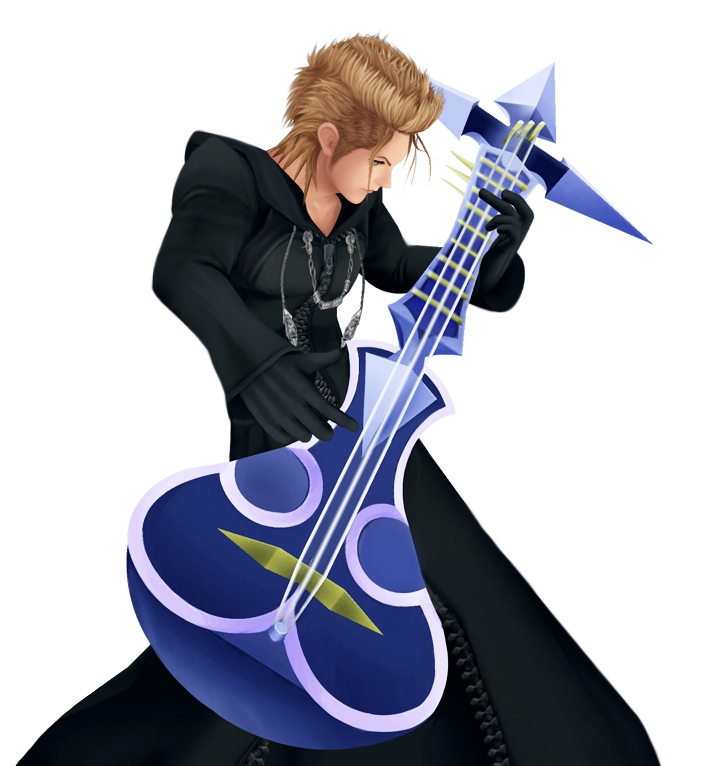
Demy-Dem

Verified Member
  • Joined

  • Last visited

  1. Yeah! I like how we can watch the cuts scenes and download them here
  2. What are you psychic or something?
  3.    Demy-Dem reacted to a post in a topic: Hey... summary please...
  4.    Weedanort reacted to a post in a topic: Hey... summary please...
  5. Thanks for all the welcoming guys and the summaries
  6.    Demy-Dem reacted to a post in a topic: Hey... summary please...
  7.    Demy-Dem reacted to a post in a topic: Hey... summary please...
  8.    The Transcendent Key reacted to a post in a topic: Hey... summary please...
  9. I'm obviously new to KH and I have only played part of 358/2 days, so there is a lot of things that I am confused about in the series. I was hoping that someone could make some summaries of the games–they don't have to be overly detailed or anything just the general plot and spoilers are welcome of course.
  10. My sister has been obsessed with Kingdom Hearts for a while now, so she showed me this site–a while ago actually <_<
  11. JOINED THE SITE JUST TO JOIN DEM-DEM'S FANDOM!!!!!

Configure browser push notifications

Chrome (Android)
  1. Tap the lock icon next to the address bar.
  2. Tap Permissions → Notifications.
  3. Adjust your preference.
Chrome (Desktop)
  1. Click the padlock icon in the address bar.
  2. Select Site settings.
  3. Find Notifications and adjust your preference.
Scroll to the top
