Jump to content
View in the app

A better way to browse. Learn more.

KH13 · for Kingdom Hearts

A full-screen app on your home screen with push notifications, badges and more.

To install this app on iOS and iPadOS
  1. Tap the Share icon in Safari
  2. Scroll the menu and tap Add to Home Screen.
  3. Tap Add in the top-right corner.
To install this app on Android
  1. Tap the 3-dot menu (⋮) in the top-right corner of the browser.
  2. Tap Add to Home screen or Install app.
  3. Confirm by tapping Install.

Saïx

Verified Member
  • Joined

  • Last visited

  1. Can someone tell me the difference of the mangas and the novels or are they the same?
  2. How would you guys feel about this world?
  3. Already got kh2fm in english soooooo bbsfm :biggrin:
  4.    Ruby Rose reacted to a post in a topic: This is going to replace Sora 100%
  5.    Ruby Rose reacted to a post in a topic: Lea's hinting some thing ;)
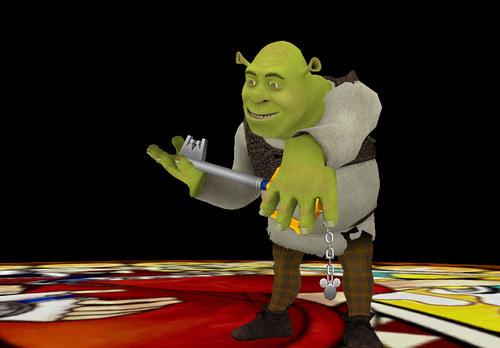
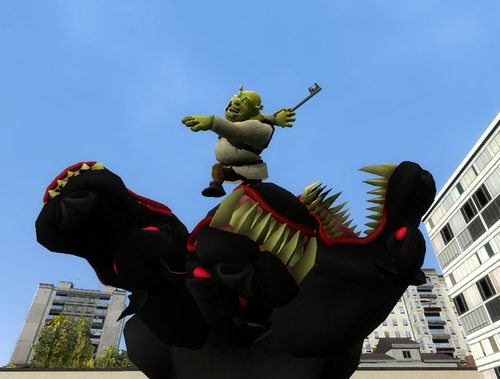
  6. Hey I wouldn't mind Shrek. The dragon as a mini boss then figure out how to use the midget as a boss. Even the people in the woods for a battle, that would be a fun world
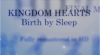
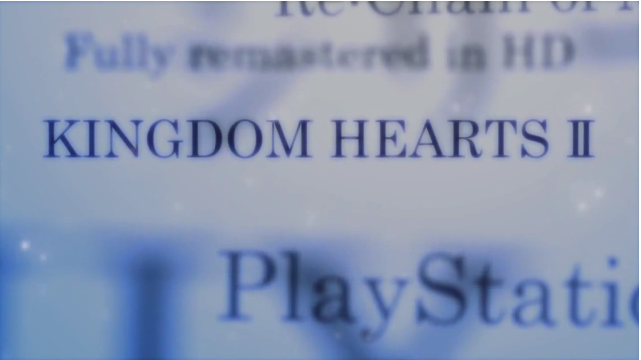
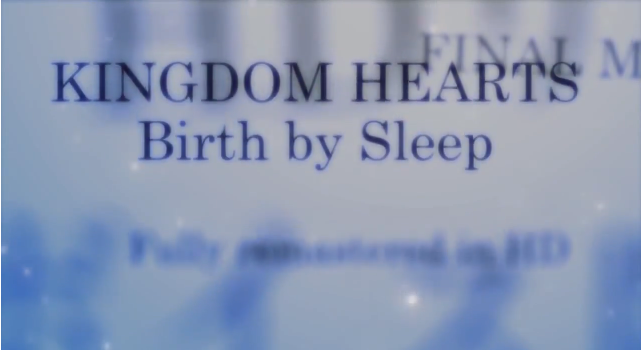
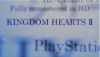
  7. Lol KH1.5 trailer said Final Mix, I mean look at the picture I have with the post. If you look at the japenese version of the trailer it says final mix for both of the games, but on the english one it there is no final mix except for the birth by sleep but its blurred out. Okay you are right I went to the website and it said final mix
  8. So i was watching the english trailer for KH2.5 and I seen on the KH2 part it didn't say final mix. Then on the part with BBS you can see in the blurry letters, final mix? So are we getting final mix for KH2?
  9. In the next stream do you think they are just showing the stuff they already showed or the actual demo of the game.
  10. I really like this new trailer, but whats next? What do you guys think. I can't wait to see what they have next for a trailer. I hope they show some new worlds and some of the characters and maybe the new outfits.

Configure browser push notifications

Chrome (Android)
  1. Tap the lock icon next to the address bar.
  2. Tap Permissions → Notifications.
  3. Adjust your preference.
Chrome (Desktop)
  1. Click the padlock icon in the address bar.
  2. Select Site settings.
  3. Find Notifications and adjust your preference.
Scroll to the top