Jump to content
View in the app

A better way to browse. Learn more.

KH13 · for Kingdom Hearts

A full-screen app on your home screen with push notifications, badges and more.

To install this app on iOS and iPadOS
  1. Tap the Share icon in Safari
  2. Scroll the menu and tap Add to Home Screen.
  3. Tap Add in the top-right corner.
To install this app on Android
  1. Tap the 3-dot menu (⋮) in the top-right corner of the browser.
  2. Tap Add to Home screen or Install app.
  3. Confirm by tapping Install.

Brenda Ortiz

Verified Member
  • Joined

  • Last visited

  1. Soravids left a comment on Brenda Ortiz's profile

    Hello!

  2. 『R』 left a comment on Brenda Ortiz's profile

    Welcome!!!! I can't stop typing....I hope you have fun here, and meet new friends :)

  3. Brenda Ortiz posted a status update

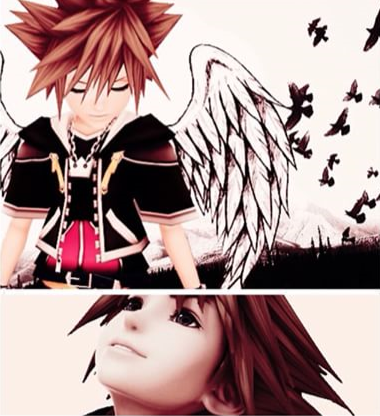
    Im a huge fan of kingdom hearts !!!!

    HumbleGamer replied

    Hey, welcome to KH13! :D I'm fairly new to this site as well. Sora is my favorite character as well.
    Brenda Ortiz replied

    thanks and me too i love he is a good guy :)

    Brenda Ortiz replied

    sora that i love

Configure browser push notifications

Chrome (Android)
  1. Tap the lock icon next to the address bar.
  2. Tap Permissions → Notifications.
  3. Adjust your preference.
Chrome (Desktop)
  1. Click the padlock icon in the address bar.
  2. Select Site settings.
  3. Find Notifications and adjust your preference.
Scroll to the top