Jump to content
View in the app

A better way to browse. Learn more.

KH13 · for Kingdom Hearts

A full-screen app on your home screen with push notifications, badges and more.

To install this app on iOS and iPadOS
  1. Tap the Share icon in Safari
  2. Scroll the menu and tap Add to Home Screen.
  3. Tap Add in the top-right corner.
To install this app on Android
  1. Tap the 3-dot menu (⋮) in the top-right corner of the browser.
  2. Tap Add to Home screen or Install app.
  3. Confirm by tapping Install.

Yashmin Mohammed

Member
  • Joined

  • Last visited

Everything posted by Yashmin Mohammed

  1. I'm not trying to be a Annoying it's just said on KH insider at 100 acre Woods MIGHT be in Kingdom hearts 3 so it a rumour it not 100% confirm
  2. Come on a True Kingdom hearts fans will not skip the Roxas part unlike IGN
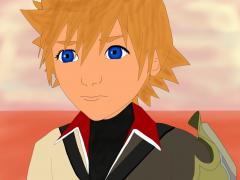
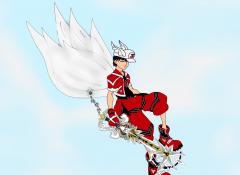
  3. Ven

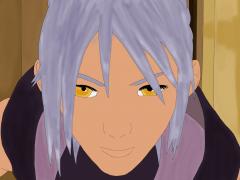
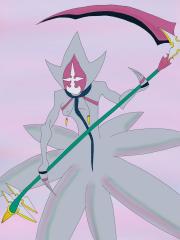
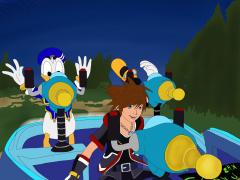
    Yashmin Mohammed posted a gallery image in Drawings
  4. Do anyone know what time It start in Australia in NSW time
  5. Australia and new New Zealand need kingdom hearts news Now SquareEinx
  6. SquareEinx you are very smart to put it on Melbourne cup Day thumbs up
  7. I will like to try the cosplay as myself as a keyblad Holder

Configure browser push notifications

Chrome (Android)
  1. Tap the lock icon next to the address bar.
  2. Tap Permissions → Notifications.
  3. Adjust your preference.
Chrome (Desktop)
  1. Click the padlock icon in the address bar.
  2. Select Site settings.
  3. Find Notifications and adjust your preference.
Scroll to the top