Jump to content
View in the app

A better way to browse. Learn more.

KH13 · for Kingdom Hearts

A full-screen app on your home screen with push notifications, badges and more.

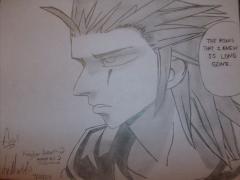
To install this app on iOS and iPadOS
  1. Tap the Share icon in Safari
  2. Scroll the menu and tap Add to Home Screen.
  3. Tap Add in the top-right corner.
To install this app on Android
  1. Tap the 3-dot menu (⋮) in the top-right corner of the browser.
  2. Tap Add to Home screen or Install app.
  3. Confirm by tapping Install.

ScatteredDreams

Member
  • Joined

  • Last visited

Everything posted by ScatteredDreams

  1. Oh! I didn't even noticed that lol Im late Of course lol except for donald and goofy I agree, he seems to have something up his sleeve. Back with a vengeance for sure, but harder than in CoM.
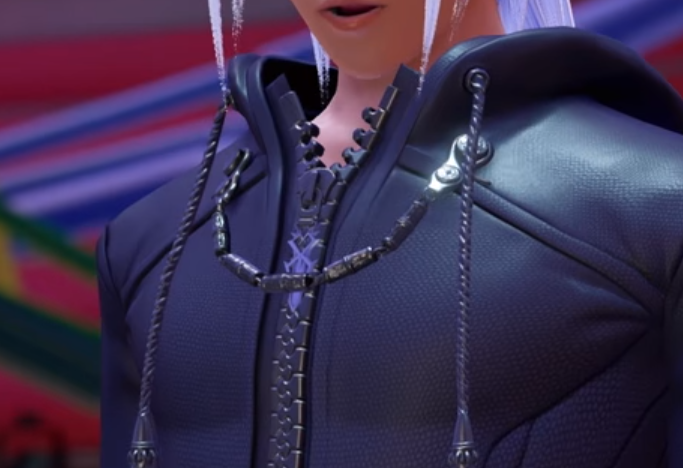
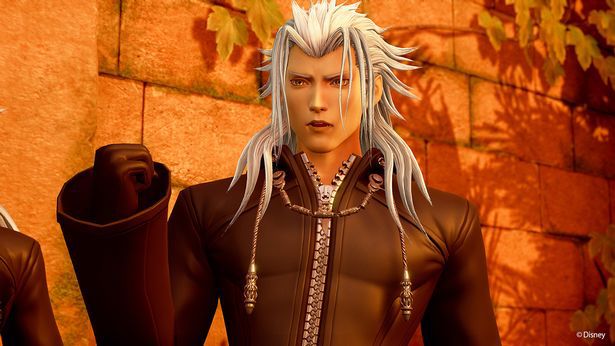
  2. I was rewatching the song trailer and I noticed on xemnas, vanitas and young xehanort's organization coat have a new symbol or chain on their zipper. Has anyone else caught this? It almost looks like the "key" blade, or something similar to it.
  3. Hopefully, a release date and a story trailer. I do wanna be surprised when the game actually comes out so I don't them to reveal more than they should :wink:
  4. I don't think you're exaggerating at all :lol: I feel like something big is coming to D23 and I seriously cannot wait anymore!
  5. ScatteredDreams posted a gallery image in Drawings
  6. ScatteredDreams commented on Kiyomi Hartz's gallery image Drawings

Configure browser push notifications

Chrome (Android)
  1. Tap the lock icon next to the address bar.
  2. Tap Permissions → Notifications.
  3. Adjust your preference.
Chrome (Desktop)
  1. Click the padlock icon in the address bar.
  2. Select Site settings.
  3. Find Notifications and adjust your preference.
Scroll to the top