Gijs Potters
Verified Member
-
Joined
-
Last visited
Everything posted by Gijs Potters
-
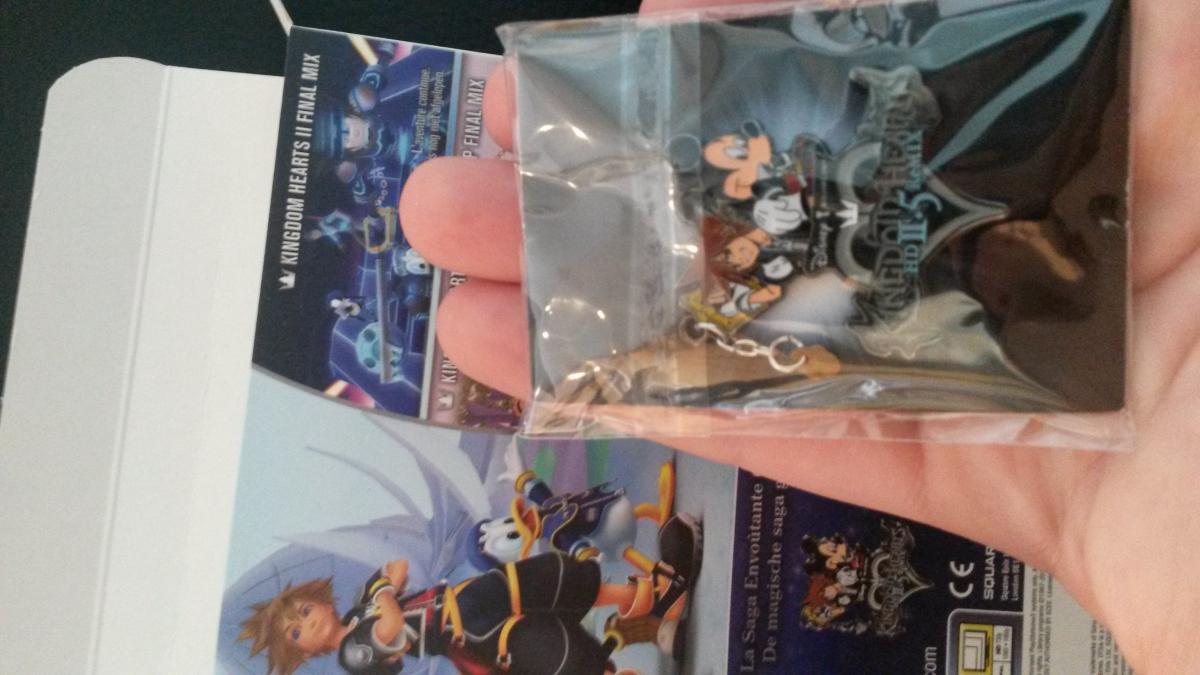
Got it today.
-
I don't know about that since I don't have the limited edition from 1.5
-
Definitely Here are some comparising pictures


-
What do you mean?
-
That sucks man. D:
-
Thanks man.
-
accidentally posted it too early, they're included now.
-
I´m so happy. Now I don´t have to wait till friday Here are some pictures of it






-
-
Good luck
-
AWESOME
-
Do you know if shopto.net ships it to the Netherlands too? I really wanna have this.
-
-
to get all the trophies in kingdom hearts final mix you need at least 3 playthroughs. there is also the trophy in kingdom hearts final mix for never using a continue, you don't have that trophy in 2.5.
-
Kingdom hearts 2 on critical, birth by sleep on standard because I never played it.