Jump to content
View in the app

A better way to browse. Learn more.

KH13 · for Kingdom Hearts

A full-screen app on your home screen with push notifications, badges and more.

To install this app on iOS and iPadOS
  1. Tap the Share icon in Safari
  2. Scroll the menu and tap Add to Home Screen.
  3. Tap Add in the top-right corner.
To install this app on Android
  1. Tap the 3-dot menu (⋮) in the top-right corner of the browser.
  2. Tap Add to Home screen or Install app.
  3. Confirm by tapping Install.

Prototype_QZ

Member
  • Joined

  • Last visited

  1.    Yuya Sakaki reacted to a post in a topic: So I made some KH UnC X medals OuO
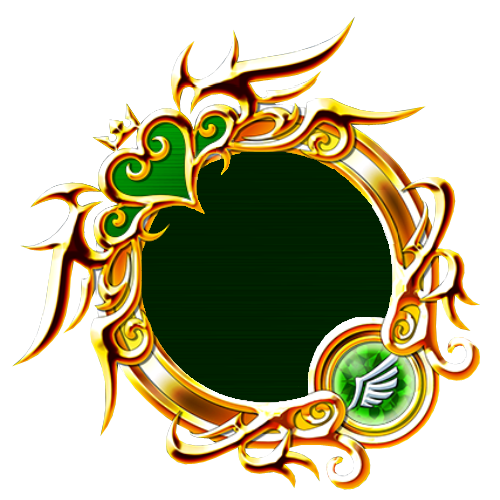
  2. Well, what I mean is, yours are kinda blurry, and low quality. I made mine from combining bits and pieces of a few different 6* medals and, in a very time consuming way, erasing every bit of the character inside, recreating the pattern, and switching out the emblems myself. Just thought they looked a little better, no offense to you or anything
  3.    Yessie Maltese reacted to a post in a topic: So I made some KH UnC X medals OuO
  4.    Soul_Seeker reacted to a post in a topic: So I made some KH UnC X medals OuO
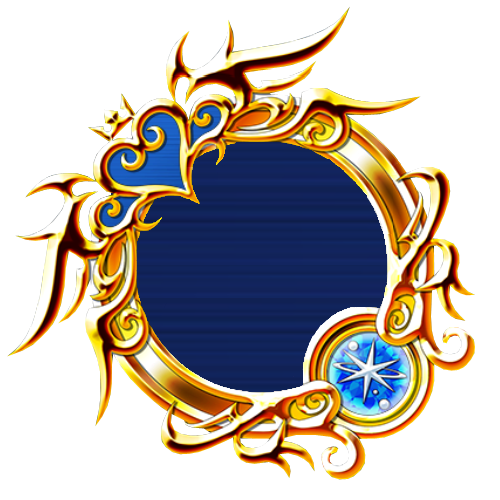
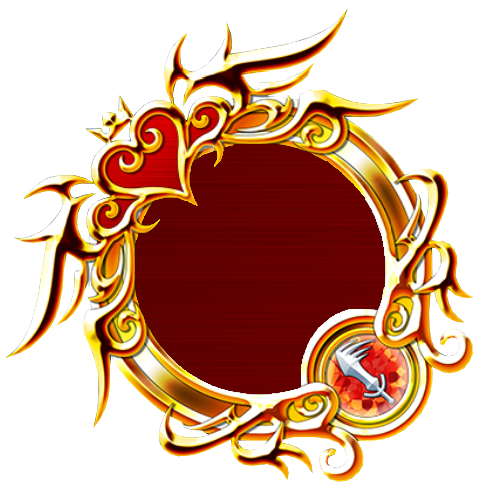
  5. Y'know those look pretty good but I think they could look a little better if you use these super cool medal bases I made myself
  6.    Prototype_QZ reacted to a post in a topic: Kingdom Hearts Unchained χ General Help
  7. Okay, thanks, I didn't know it needed that much room.
  8.    Prototype_QZ reacted to a post in a topic: Kingdom Hearts Unchained χ General Help
  9. Could someone who speaks Japanese maybe help me with this? http://imgur.com/9ChBRY2
  10.    Prototype_QZ reacted to a post in a topic: Kingdom Hearts Unchained χ General Help
  11. To protect my friends. When my friends are happy, I'm happy. They are my power!

Configure browser push notifications

Chrome (Android)
  1. Tap the lock icon next to the address bar.
  2. Tap Permissions → Notifications.
  3. Adjust your preference.
Chrome (Desktop)
  1. Click the padlock icon in the address bar.
  2. Select Site settings.
  3. Find Notifications and adjust your preference.
Scroll to the top