Jump to content
View in the app

A better way to browse. Learn more.

KH13 · for Kingdom Hearts

A full-screen app on your home screen with push notifications, badges and more.

To install this app on iOS and iPadOS
  1. Tap the Share icon in Safari
  2. Scroll the menu and tap Add to Home Screen.
  3. Tap Add in the top-right corner.
To install this app on Android
  1. Tap the 3-dot menu (⋮) in the top-right corner of the browser.
  2. Tap Add to Home screen or Install app.
  3. Confirm by tapping Install.

WayfindersDestiny

Verified Member
  • Joined

  • Last visited

About Me

3D Game Animator. Artist. Writer. Cosplayer. KH Enthusiast.

Would love to work for the Squeenix or Bioware animation team.

Marvel fan. Collector of game and movie OST.

Listens to copious amounts of Starbomb and NSP.

Plays a lot of Kingdom Hearts, Dragon Age and Final Fantasy XIV.

Chocobro Fan. (Prompto <3 )


KH13 Social Media Team Member

KH13 Moderator Team Member


Favourite Game: Birth By Sleep

Favourite Character: Vanitas

Favourite World: Hollow Bastion

Favourite Keyblade: Void Gear


Feel free to chat! [And forge the X-Blade]


~Vani/Ry


[icon Credit: vani-e]

[signature Credit: bunniegrave]


tumblr_mvn0rdCsQ01smnc6jo4_500.gif


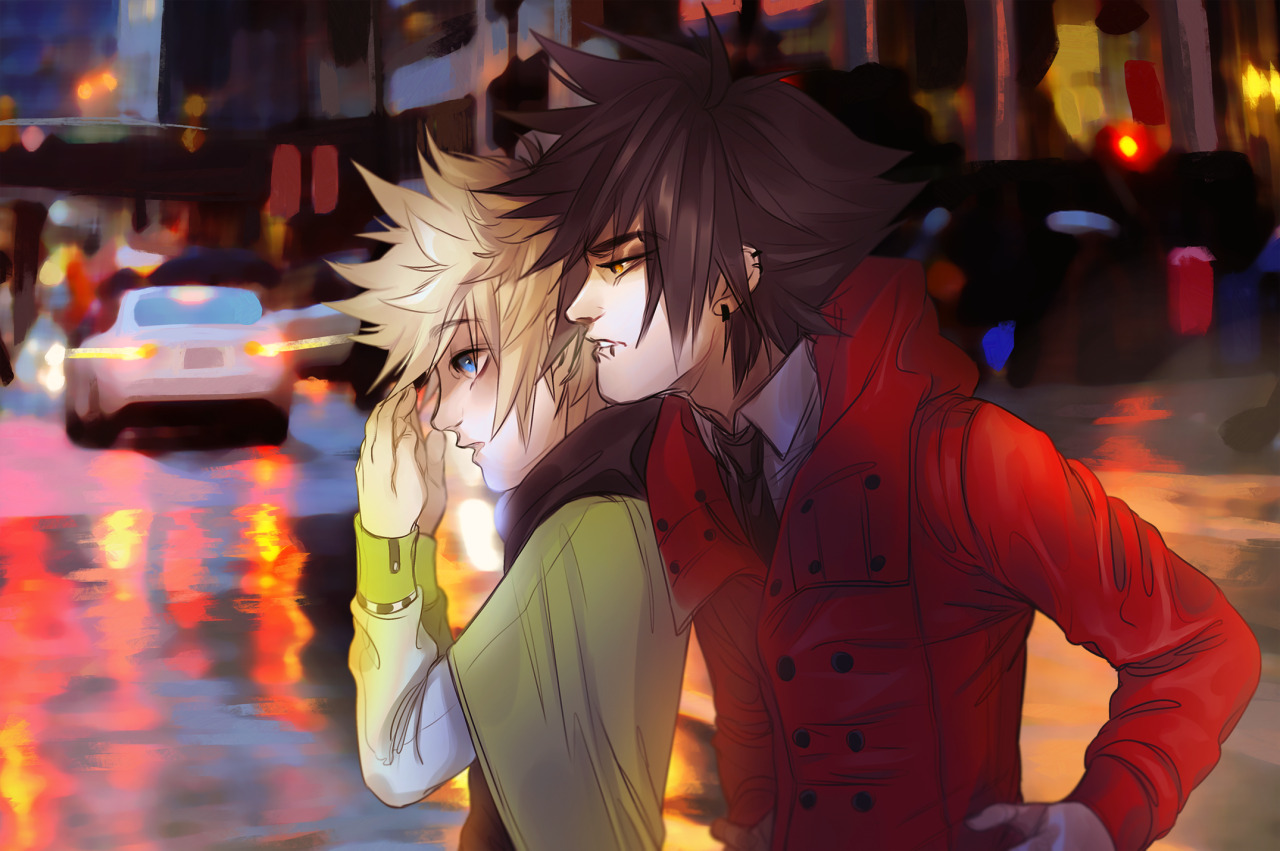
tumblr_oirnvr5miN1rgnw9xo1_1280.png

[image Credit: maplekeurig]

Configure browser push notifications

Chrome (Android)
  1. Tap the lock icon next to the address bar.
  2. Tap Permissions → Notifications.
  3. Adjust your preference.
Chrome (Desktop)
  1. Click the padlock icon in the address bar.
  2. Select Site settings.
  3. Find Notifications and adjust your preference.
Scroll to the top