Jump to content
View in the app

A better way to browse. Learn more.

KH13 · for Kingdom Hearts

A full-screen app on your home screen with push notifications, badges and more.

To install this app on iOS and iPadOS
  1. Tap the Share icon in Safari
  2. Scroll the menu and tap Add to Home Screen.
  3. Tap Add in the top-right corner.
To install this app on Android
  1. Tap the 3-dot menu (⋮) in the top-right corner of the browser.
  2. Tap Add to Home screen or Install app.
  3. Confirm by tapping Install.

Evil_Electivire

Verified Member
  • Joined

  • Last visited

Everything posted by Evil_Electivire

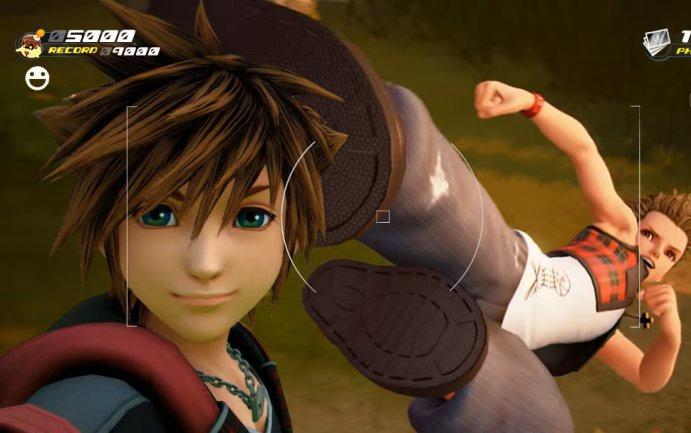
  1. What's your Favorite Gameplay Feature in KH3 thus far?
  2. Hello! My name is angel! Ive been involved with kingdom hearts since i was 6, when kingdom hearts 2 first came out. Over the years i have been heavily invested in the games story, gameplay, theories and the youtube community!! Im very active chatting and coming up with ideas and such for kingdom hearts oriented things! Im a huge fan of a open mind and increasing my view and how far I can bmgo to help make this community an ever better one! I am on Twitter and discord often, and would put 110% into it!. Ive played every game, including union cross. Im very up to date on lore and all story details and connections.

Configure browser push notifications

Chrome (Android)
  1. Tap the lock icon next to the address bar.
  2. Tap Permissions → Notifications.
  3. Adjust your preference.
Chrome (Desktop)
  1. Click the padlock icon in the address bar.
  2. Select Site settings.
  3. Find Notifications and adjust your preference.
Scroll to the top