Jump to content
View in the app

A better way to browse. Learn more.

KH13 · for Kingdom Hearts

A full-screen app on your home screen with push notifications, badges and more.

To install this app on iOS and iPadOS
  1. Tap the Share icon in Safari
  2. Scroll the menu and tap Add to Home Screen.
  3. Tap Add in the top-right corner.
To install this app on Android
  1. Tap the 3-dot menu (⋮) in the top-right corner of the browser.
  2. Tap Add to Home screen or Install app.
  3. Confirm by tapping Install.

salty-keyblade-master

Verified Member
  • Joined

  • Last visited

Everything posted by salty-keyblade-master

  1. She's playable She's getting more screentime
  2. KICK SOME ASS KAIRI YOU DESERVE IT
  3. It's like Nomura listened to all our complaints and went to fix them
  4. Oof Do you have contacts?
  5. I already saw TFA and TLJ, so I might as well finish off the trilogy
  6. Yeah The folded up form looks a little impractical
  7. And I don't care what anyone says, a lightsaber staff like what she had has potential
  8. Shame too. Rey going dark is one of the few things that could salvage her bland character
  9. Ooh pretty!
  10. Okay I stop playing for a couple weeks and now all of the sudden my medals are pretty much useless Now I remember why I stopped playing to begin with Dx
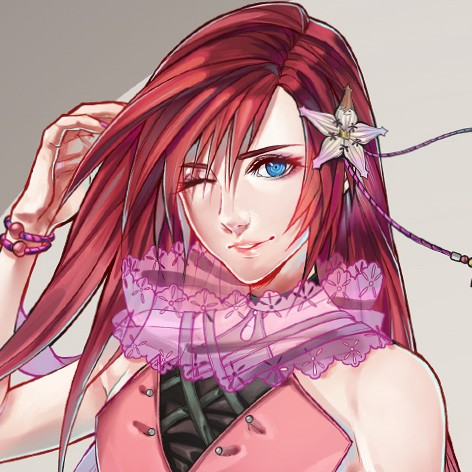
  11. Found something good https://www.deviantart.com/samtsuki/art/Kairi-KH3-787462588
  12. I'm REALLY looking foward to Shiro Amano's take on KH3 Kairi for obvious reasons
  13. I love you, Kairi
  14. Poor Kairi

Configure browser push notifications

Chrome (Android)
  1. Tap the lock icon next to the address bar.
  2. Tap Permissions → Notifications.
  3. Adjust your preference.
Chrome (Desktop)
  1. Click the padlock icon in the address bar.
  2. Select Site settings.
  3. Find Notifications and adjust your preference.
Scroll to the top