





Jump to content
View in the app

A better way to browse. Learn more.

KH13 · for Kingdom Hearts

A full-screen app on your home screen with push notifications, badges and more.

To install this app on iOS and iPadOS
  1. Tap the Share icon in Safari
  2. Scroll the menu and tap Add to Home Screen.
  3. Tap Add in the top-right corner.
To install this app on Android
  1. Tap the 3-dot menu (⋮) in the top-right corner of the browser.
  2. Tap Add to Home screen or Install app.
  3. Confirm by tapping Install.

Featured Replies

OH YEAH I WAS WAITING FOR THIS

YEEEEEEEEEEEEEEEEEEEEEEEEEEEEEEEEEEEEES!!!!

I can't believe there wasn't one yet :D

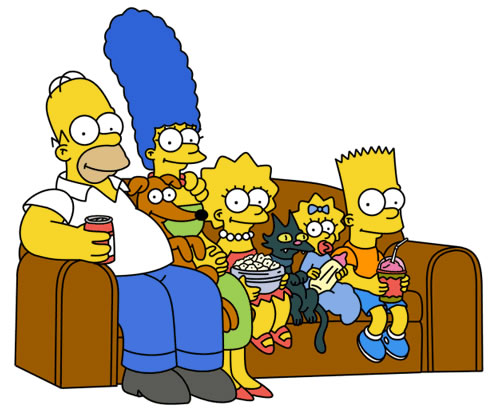
Lol im watching The Simpsons right now xD

*Sings the Simpsons theme song in my head*

:D

If it's pre-Season 10 Simpsons, sure; why not.

  • Author

If it's pre-Season 10 Simpsons, sure; why not.

Edited by Villi1997

Configure browser push notifications

Chrome (Android)
  1. Tap the lock icon next to the address bar.
  2. Tap Permissions → Notifications.
  3. Adjust your preference.
Chrome (Desktop)
  1. Click the padlock icon in the address bar.
  2. Select Site settings.
  3. Find Notifications and adjust your preference.
Scroll to the top